Windy.app · What’s new
We’ve updated Weather Alerts
We’ve updated Weather Alerts: you can now choose a wind forecast model. Precipitation alerts are in development.
Start with a spot
Each weather alert is linked to a specific spot. Open the spot you want to track.
Can’t find your spot on the map? Use the star icon on the map to create one. If the spot already exists, tapping the star adds it to your favorites.
Turn on Weather Alerts
On the spot page, find the Weather Alerts widget. This is where you turn alerts on or off and customize your settings.
Turn alerts on. If prompted, allow notifications for Windy.app on your iPhone.
Choose your wind conditions
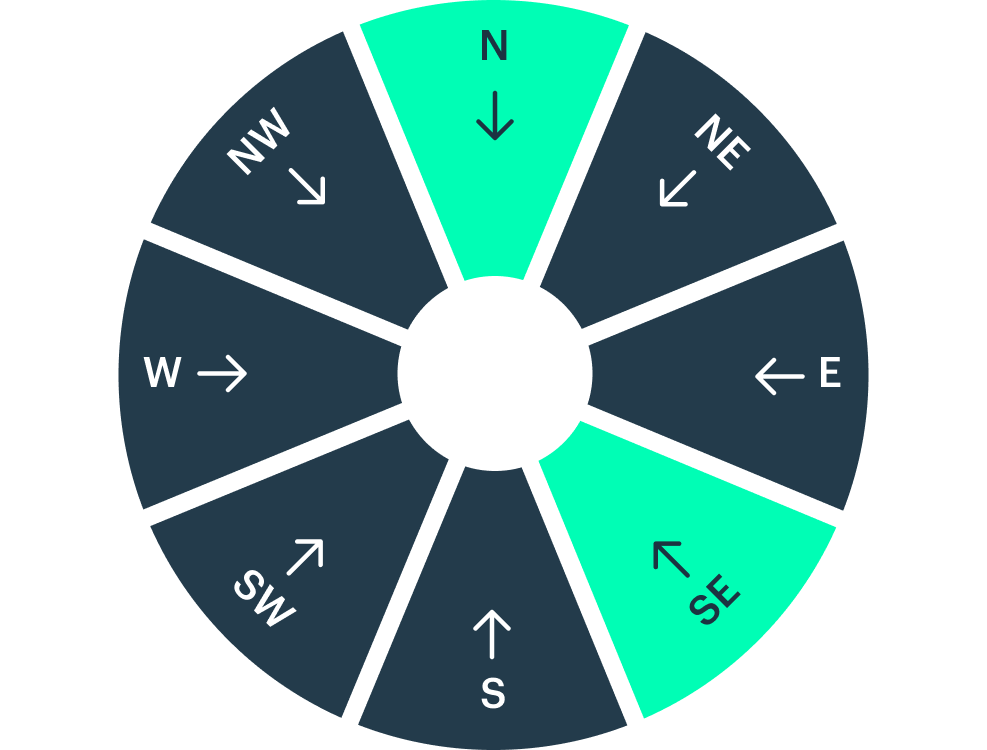
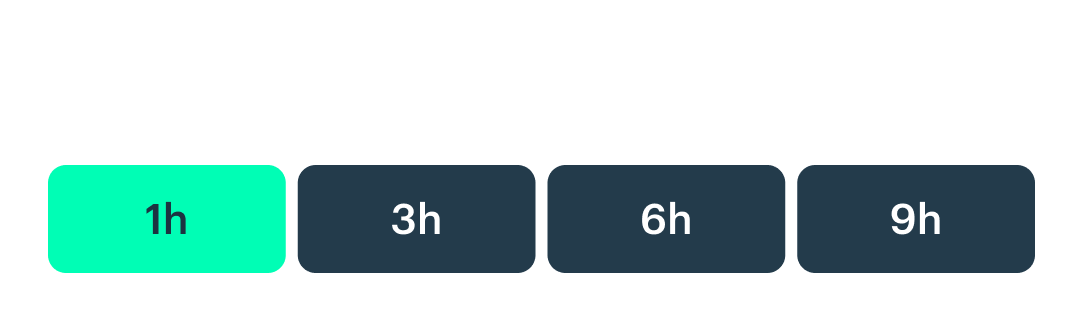
Set the wind speed range and directions you want to be notified about. Then choose the minimum duration: how long those conditions need to last.

Choose a forecast model
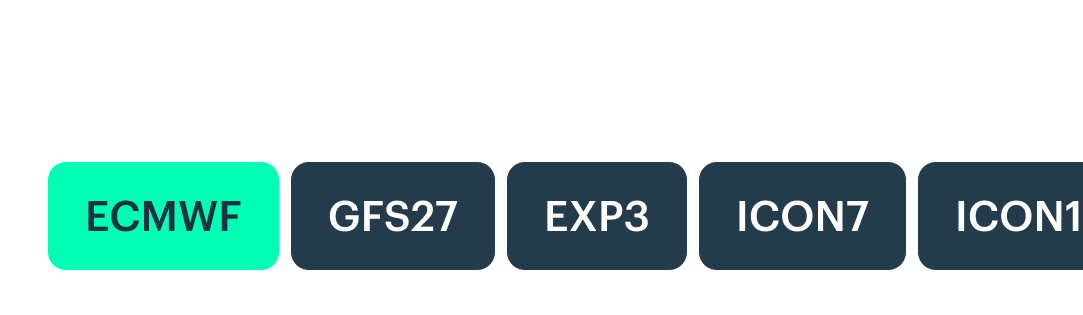
We’ll look for your chosen wind conditions in upcoming forecasts from the model you select.
Pick your time of day
Choose when you want these conditions to occur using the preferred time window.

Choose how many days ahead to check
Choose how many days ahead we should look for your conditions — starting tomorrow. Select one day, or look further ahead, for example, over the next seven days.
If the forecast matches your settings on multiple days, we’ll group those dates into a single push notification.