Windy.app · Fishing & Weather Alerts
Plan your next fishing trip.
Get fish scores and fishing windows for your spot, then track the wind, waves, and rain for your next trip. Weather Alerts is a PRO feature.
Fishing
Keep an eye on your favorite fishing spot without checking the app every day. Fishing alerts bring the fish score and fishing windows straight to your phone.
What’s in a fishing alert?
See the fish score for your spot and the fishing windows for the forecast date.
Each alert is linked to a specific spot. Open the spot you want to track.
Can't find your spot on the map? Create your own using the star icon. If the spot already exists, tapping the star adds it to your favorites.
Turn on Fish Alerts
On the spot page, find the Weather Alerts widget and turn alerts on. Look at animation below. If prompted, allow notifications for Windy.app on your iPhone.
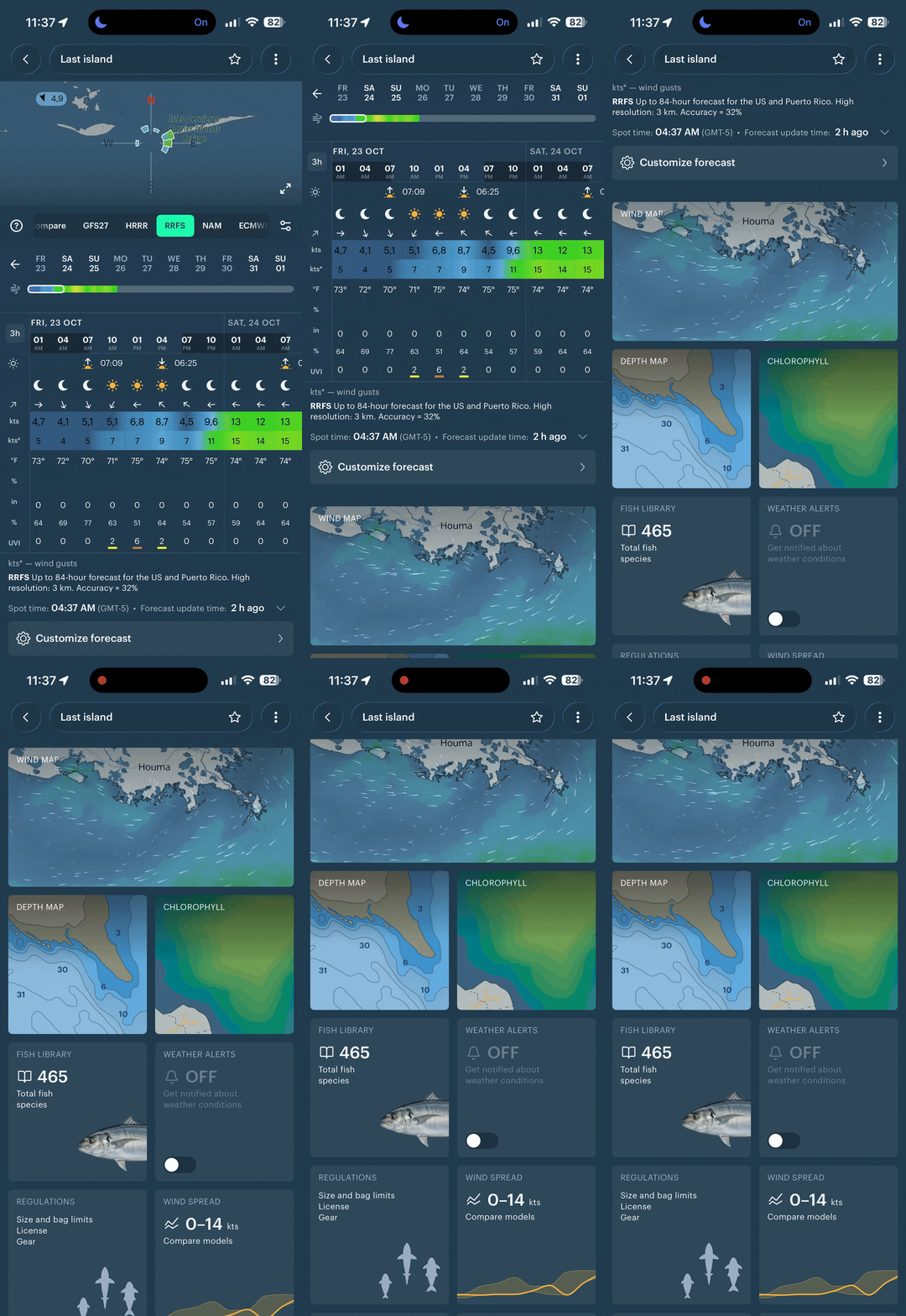
Just turn it on!
In the alert settings, select Fishing alerts and turn on Enable alerts.
Push time
Use Receive fish alert at … to choose what time you want to receive your fishing notification.

Days in advance
Use Notify me … days before to choose how far ahead you want your fishing forecast, from 1 to 10 days.
You will be redirected to your nearest spot, if your geolocation is on.
Weather alerts
Alongside Fishing alerts, choose wind, waves, rain, or any combination of them. Set the conditions you want to be notified about.
Wind
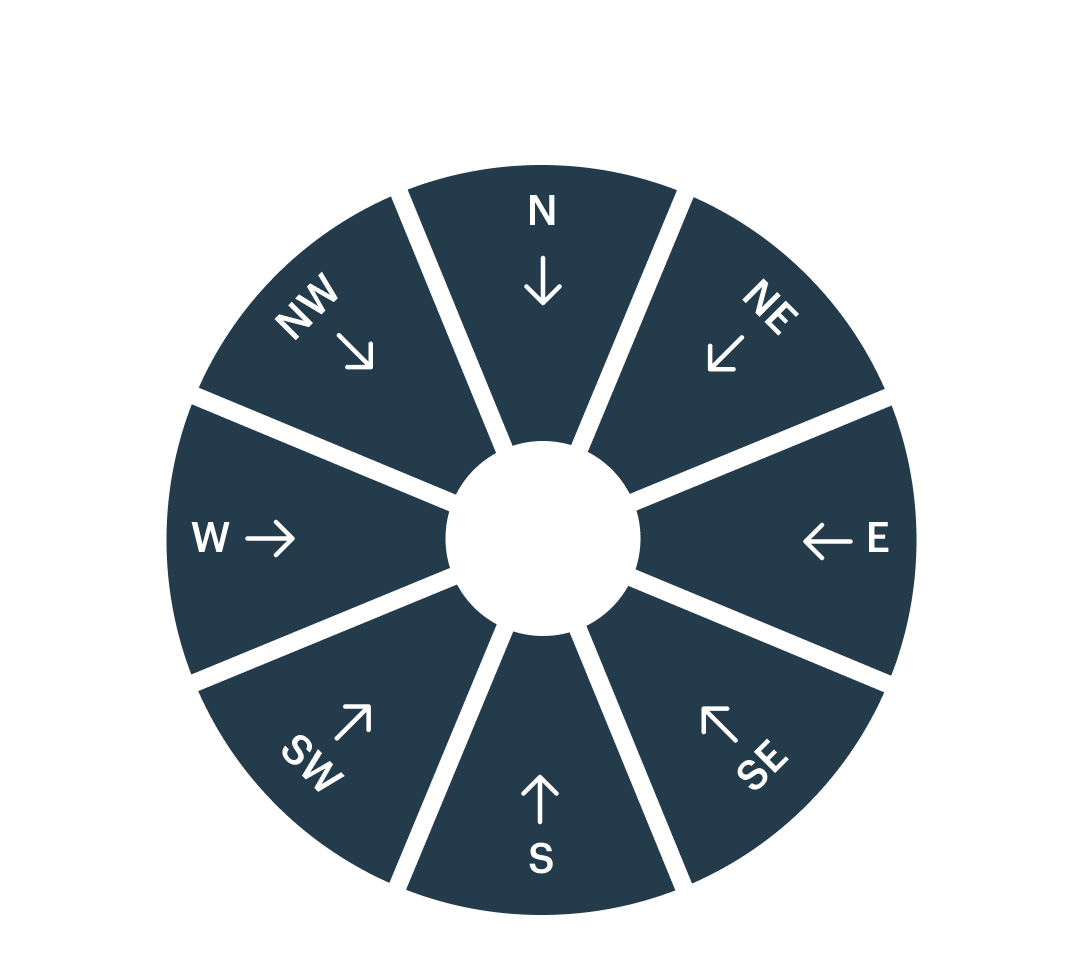
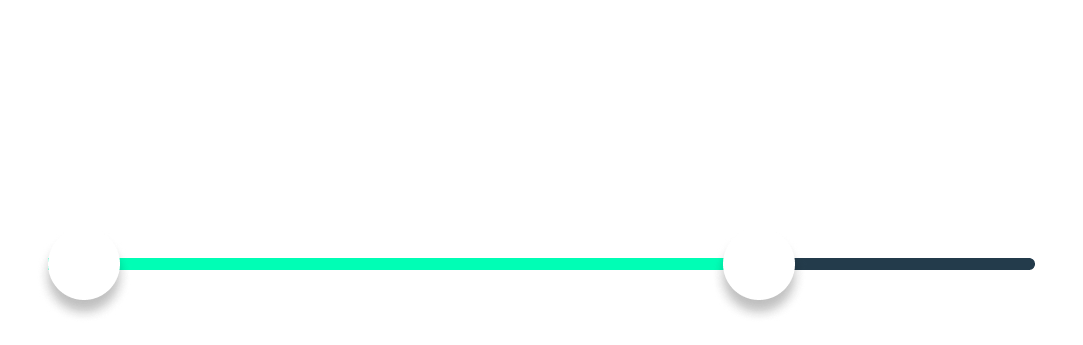
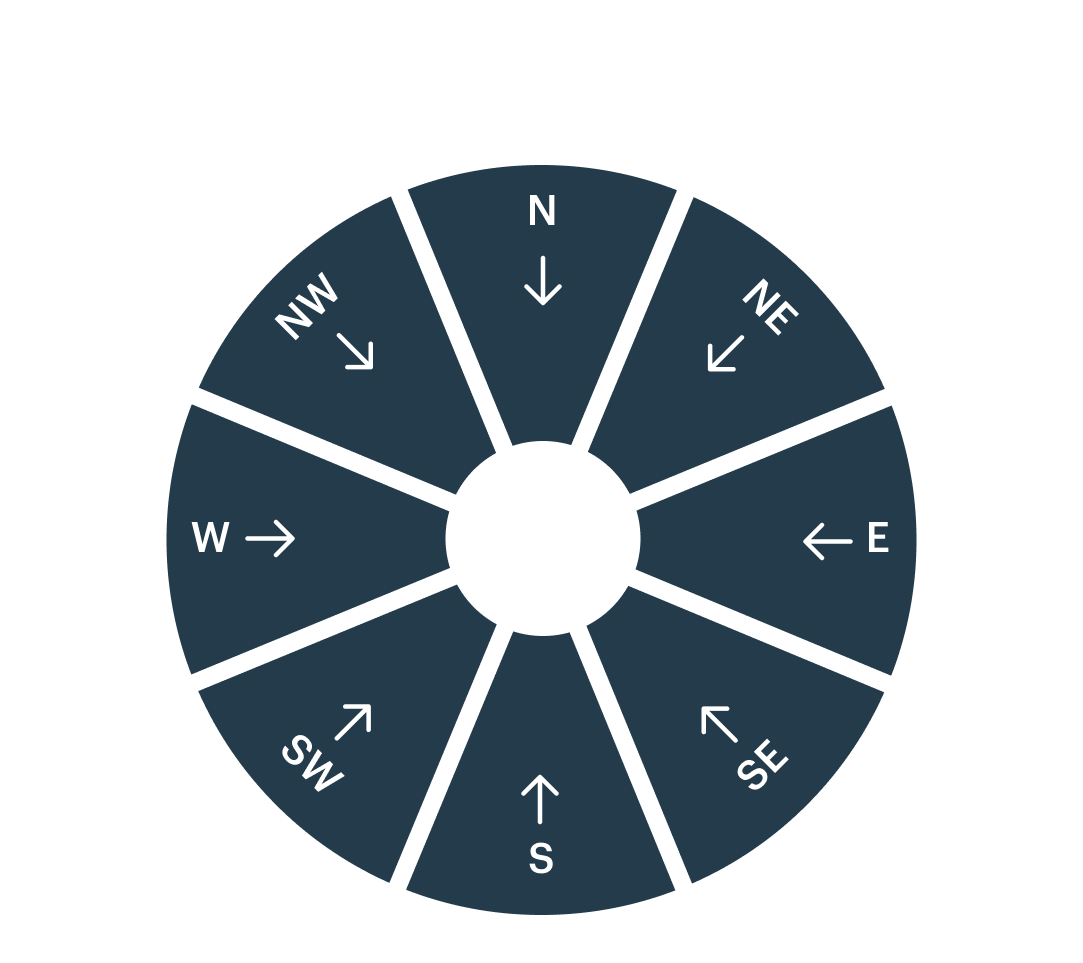
Choose your wind speed and gust speed ranges, then select the wind directions you need.

Waves
Choose a wave height range, a wave period range, and wave directions. Wave period is the time between successive waves.
Rain
Choose how much rain should accumulate over a selected period. The amount is the total rainfall during that period.
Choose a time window and model
Choose the preferred time window for the conditions you want to track. Set the minimum duration: how long those conditions need to last.
Forecast model
You can choose a forecast model for wind and rain. Model selection is not available for waves. We'll look for your conditions in the selected model's forecast.
When will you get your message?
Days in advance
Choose how many days ahead to look for your conditions, starting tomorrow. Select the days you want to be notified about.
If the forecast matches your settings on multiple days, we'll group those dates into a single push notification.
Push time
Choose what time you want to receive push notifications about your selected weather conditions.
Smart alerts
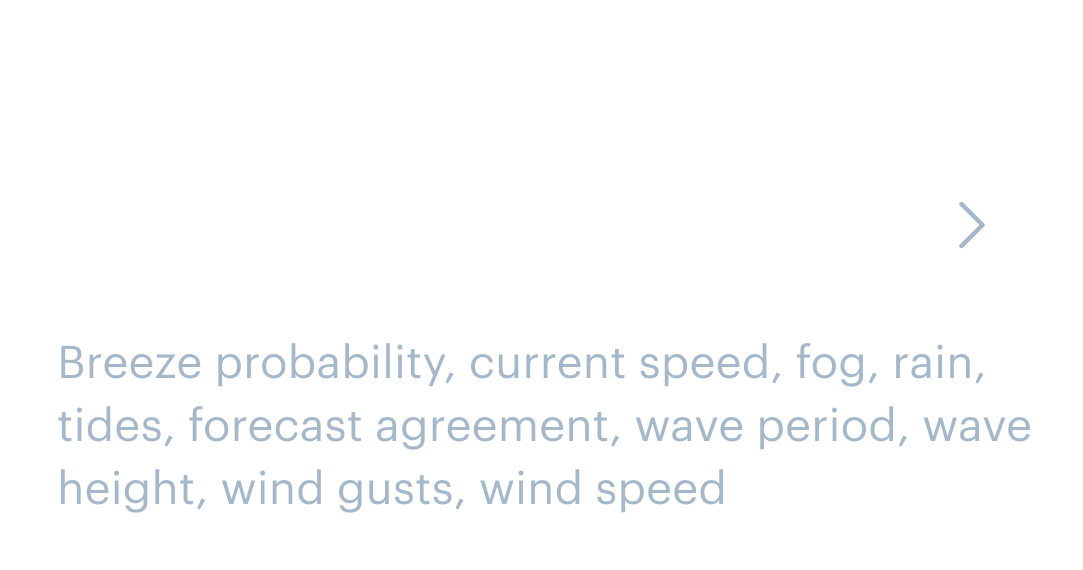
We've calculated the best weather parameters for your chosen activity. Select fishing for spots where you fish, or hiking for a spot in your neighborhood. The exact list of parameters is shown below the selected activity. Smart alerts track weather conditions; use Fishing alerts above for fish scores and fishing windows.
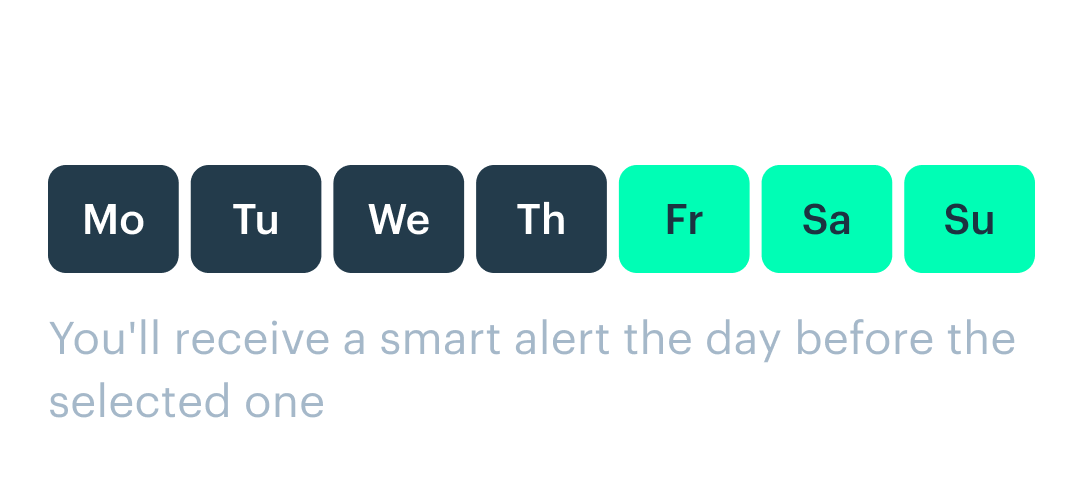
Days of the week
Smart alerts are linked to specific days of the week. You'll receive an alert at your chosen time on the day before each selected day.
You will be redirected to your nearest spot, if your geolocation is on.