- Forecast control5 simple steps to get the forecast you need
-
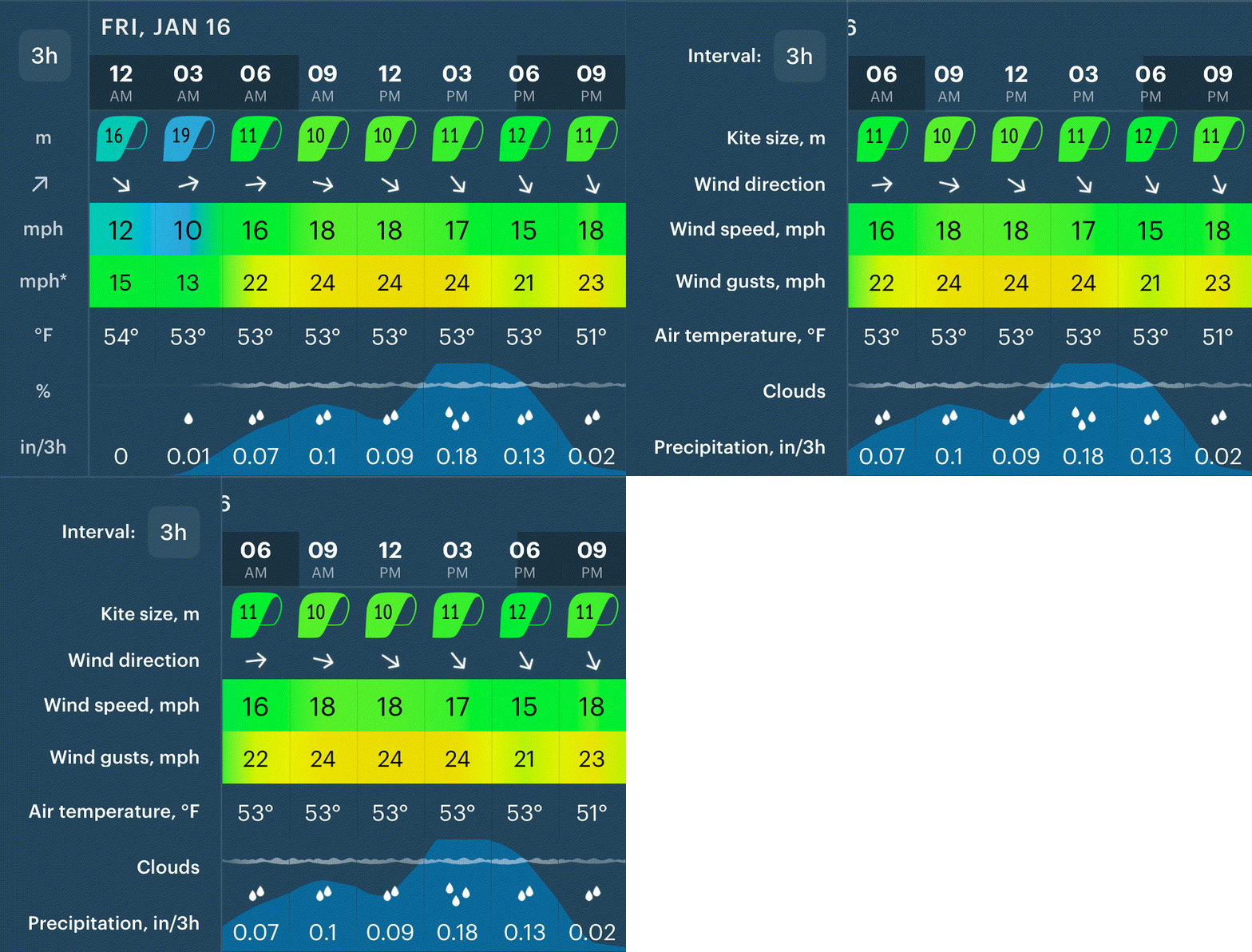 1. Parameters' namesNot sure what m, mph, or in/h mean? Tap the left-hand side to see full names and units for each parameter.
 -
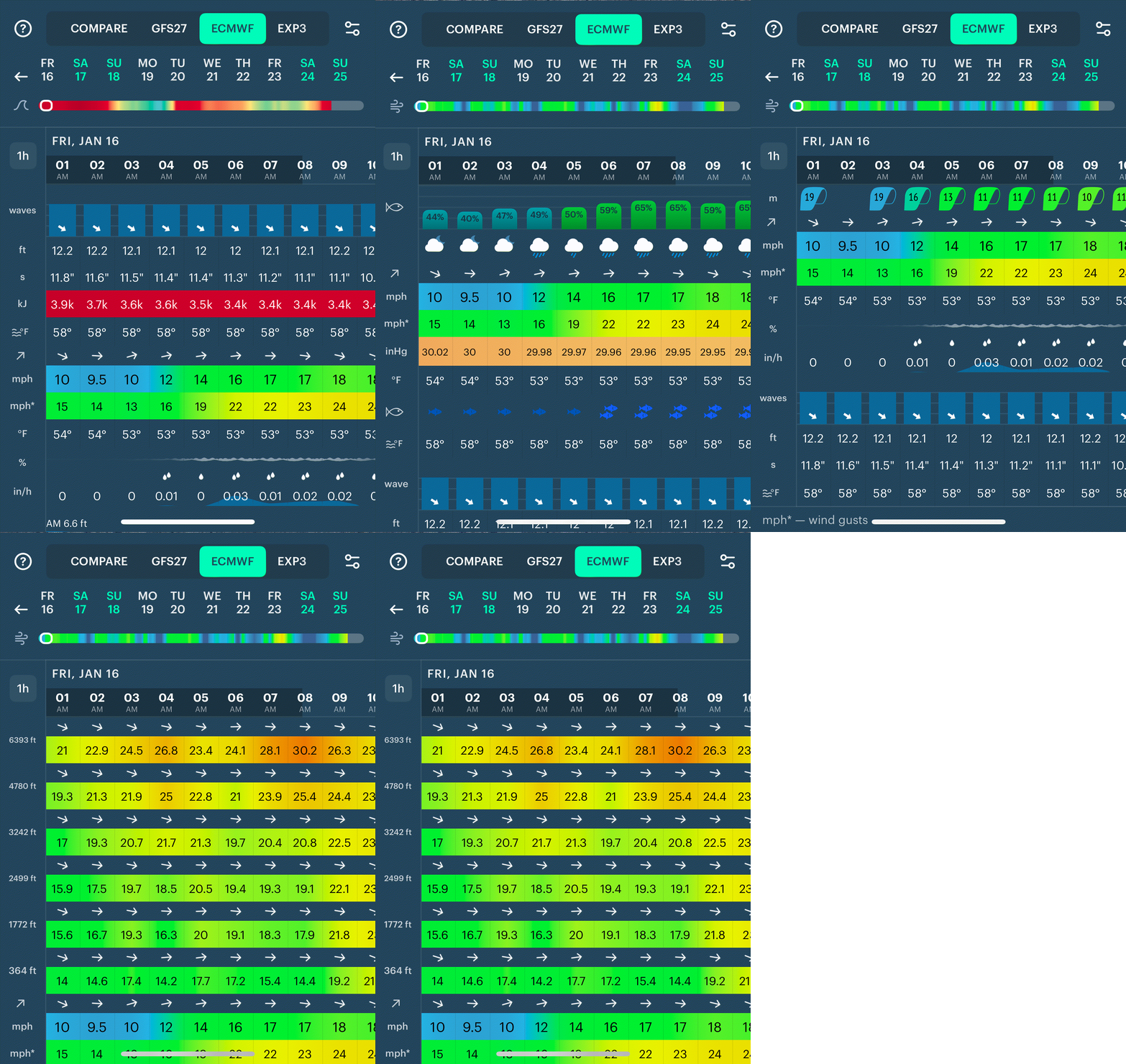 2. Choose what parameters you seeYour forecast can look very different depending on your activity. Open Settings to choose the preset that fits you best.
 -
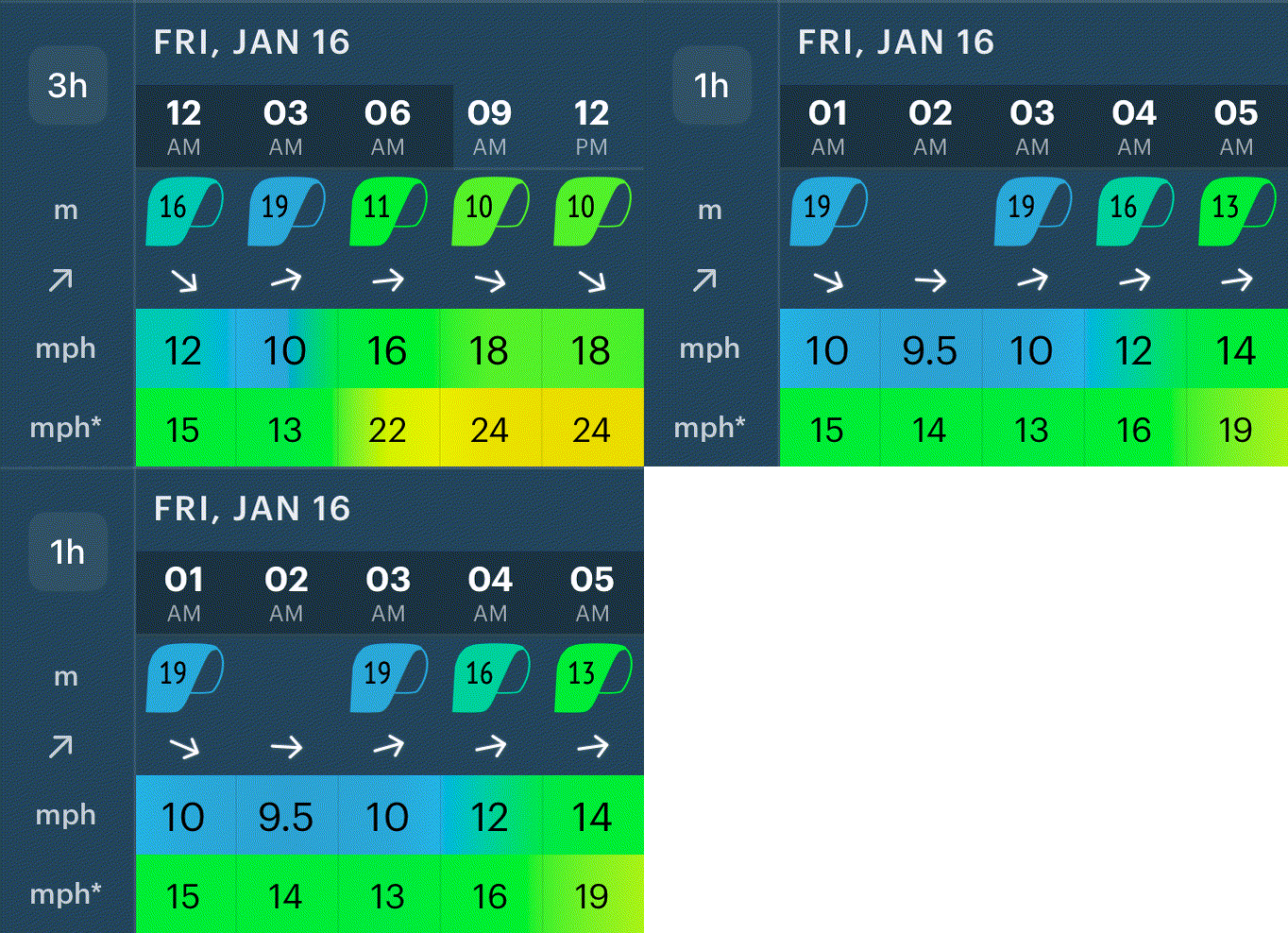 3. Forecast step: 1 or 3 hoursUse the 3-hour forecast for a quick overview. Switch to 1-hour steps when you need more precise timing.
 -
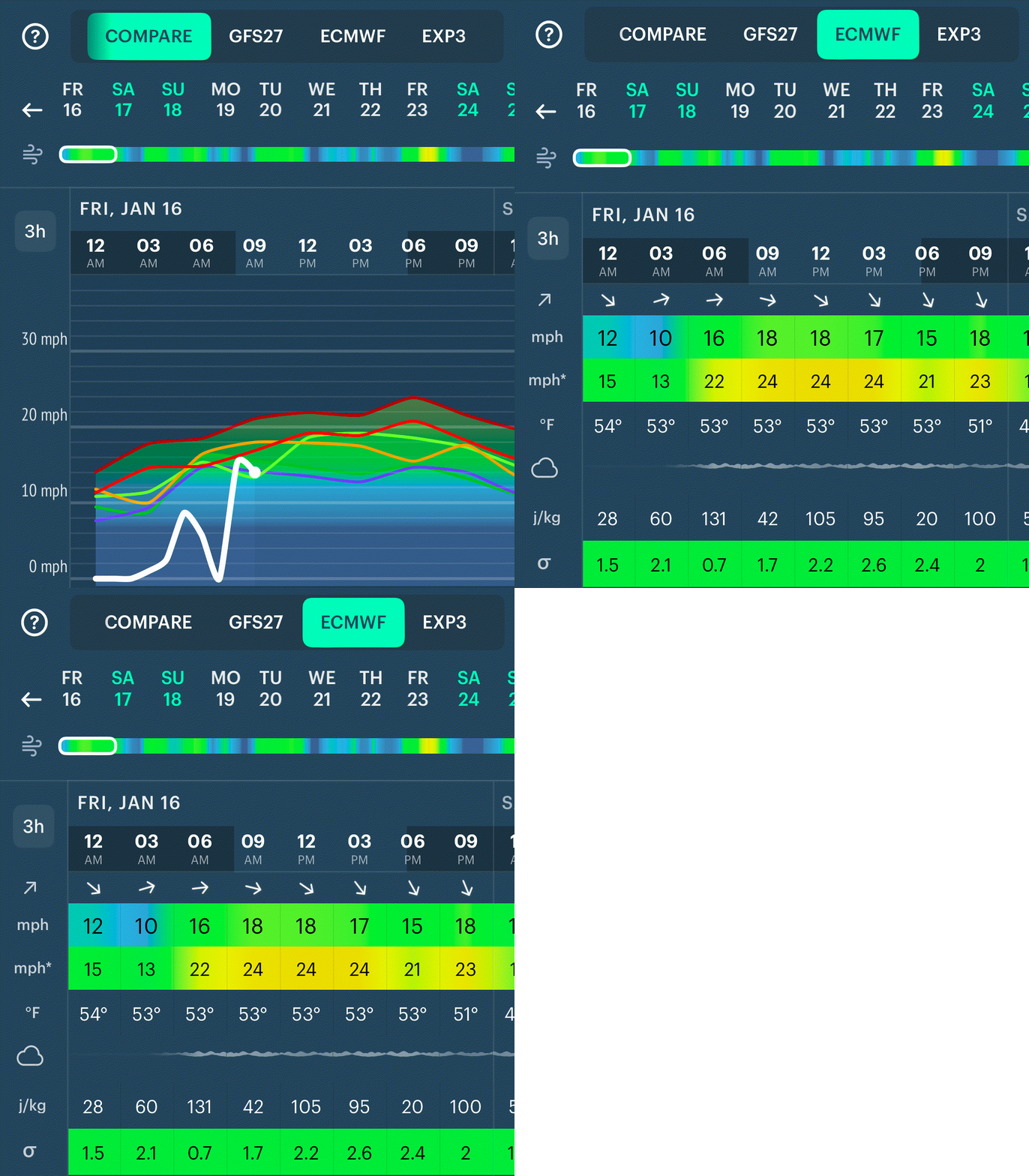 4. One model or compare modeBy default, you see all parameters from one weather model. Switch to COMPARE to view forecasts from multiple models to quickly spot differences in key parameters like wind or rain.
 -
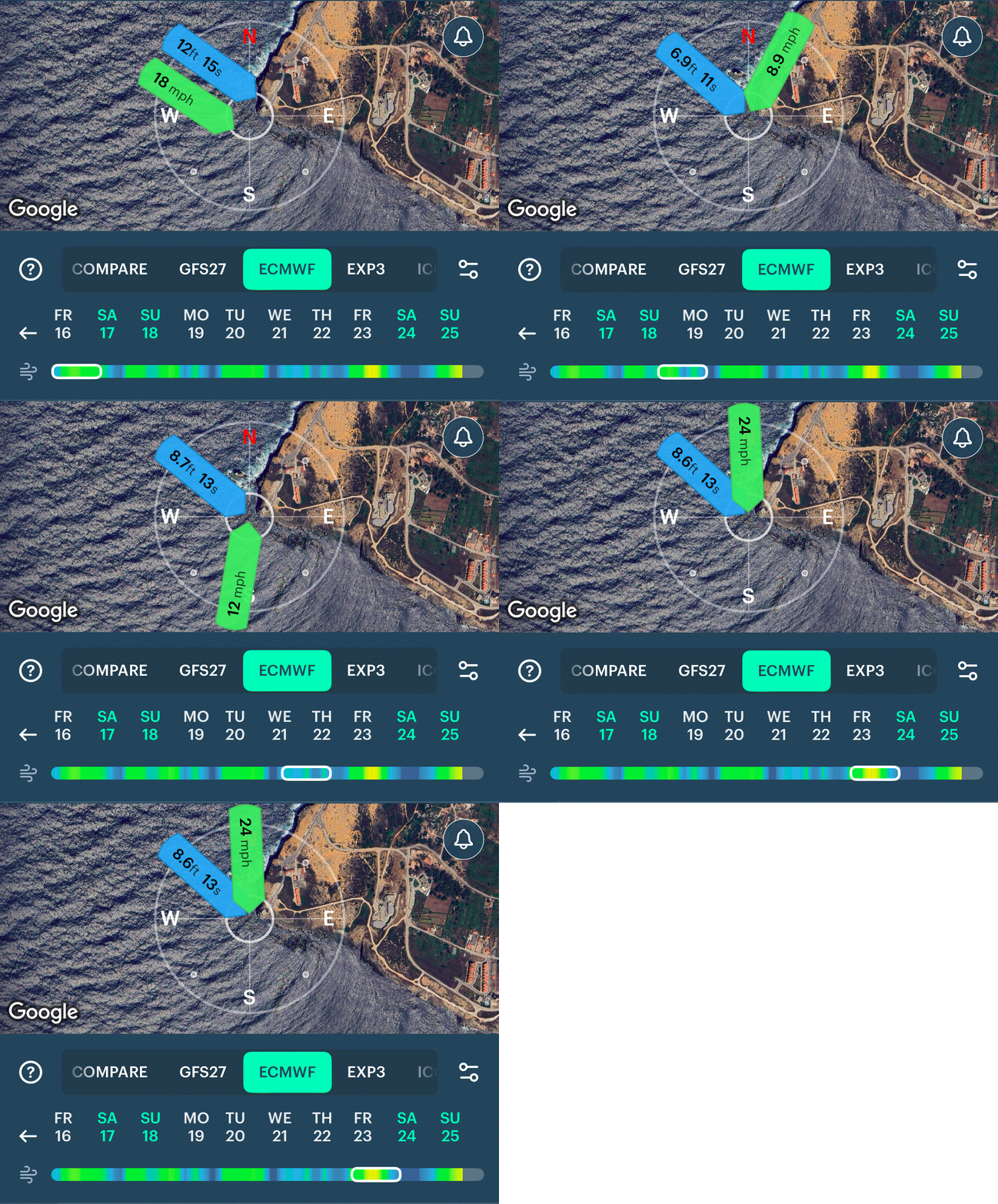 5. Wind, waves, and the spotSlide along the wind bar to see how wind and waves change over time. Pick the best combination based on the coastline and terrain of this spot.