⏱ ~7 min · 9 expert tips inside
Windy.app helps you decide when to go out (and when not to) using wind and weather forecasts for your exact spot.
In this guide, you'll learn to:
- Check the weather in under a minute
- Understand what you see
- Make better decisions
1. Start in 60 seconds
Check where and when to go out in under a minute.
1) Find a good spot
If you need steady wind, start with the wind color scale and look for that color on the map.

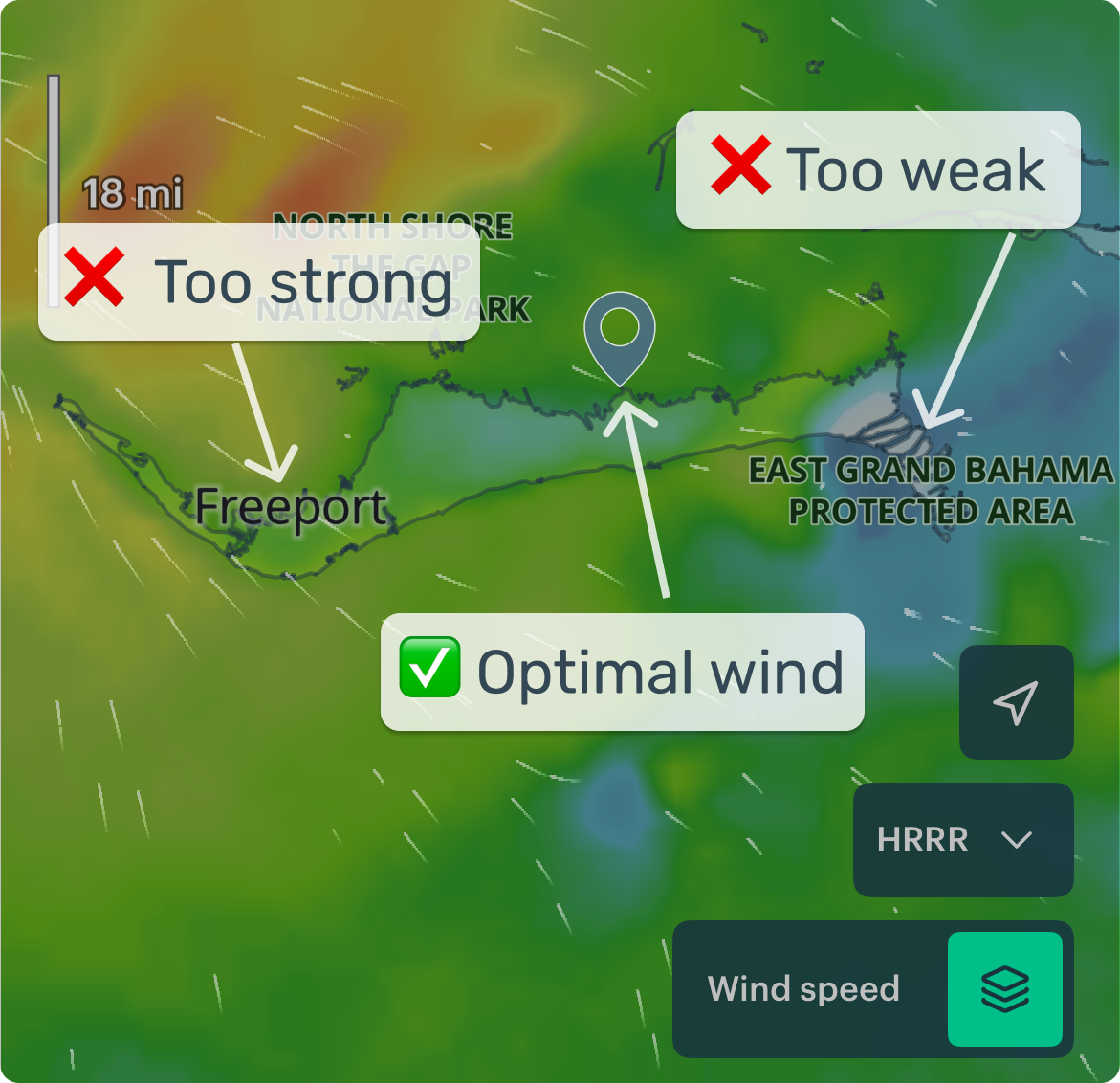
If wind isn't that important — check gusts, rain, swell, water temperature, or add overlays like fog and fronts.
Open wind map →2) Open the detailed forecast
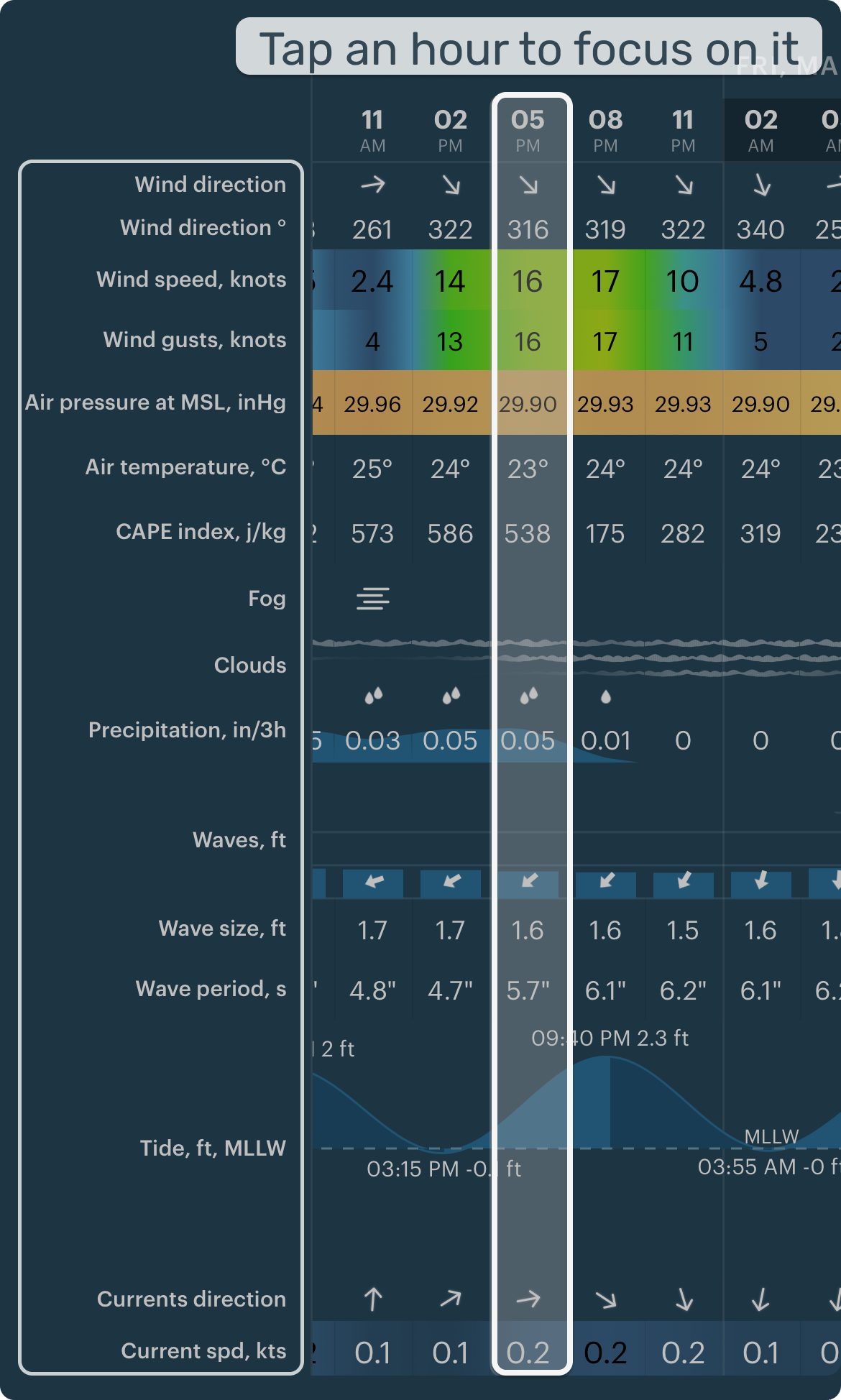
Start with the basics — wind, gusts, and rain. Check more details if needed — waves, currents, temperature.
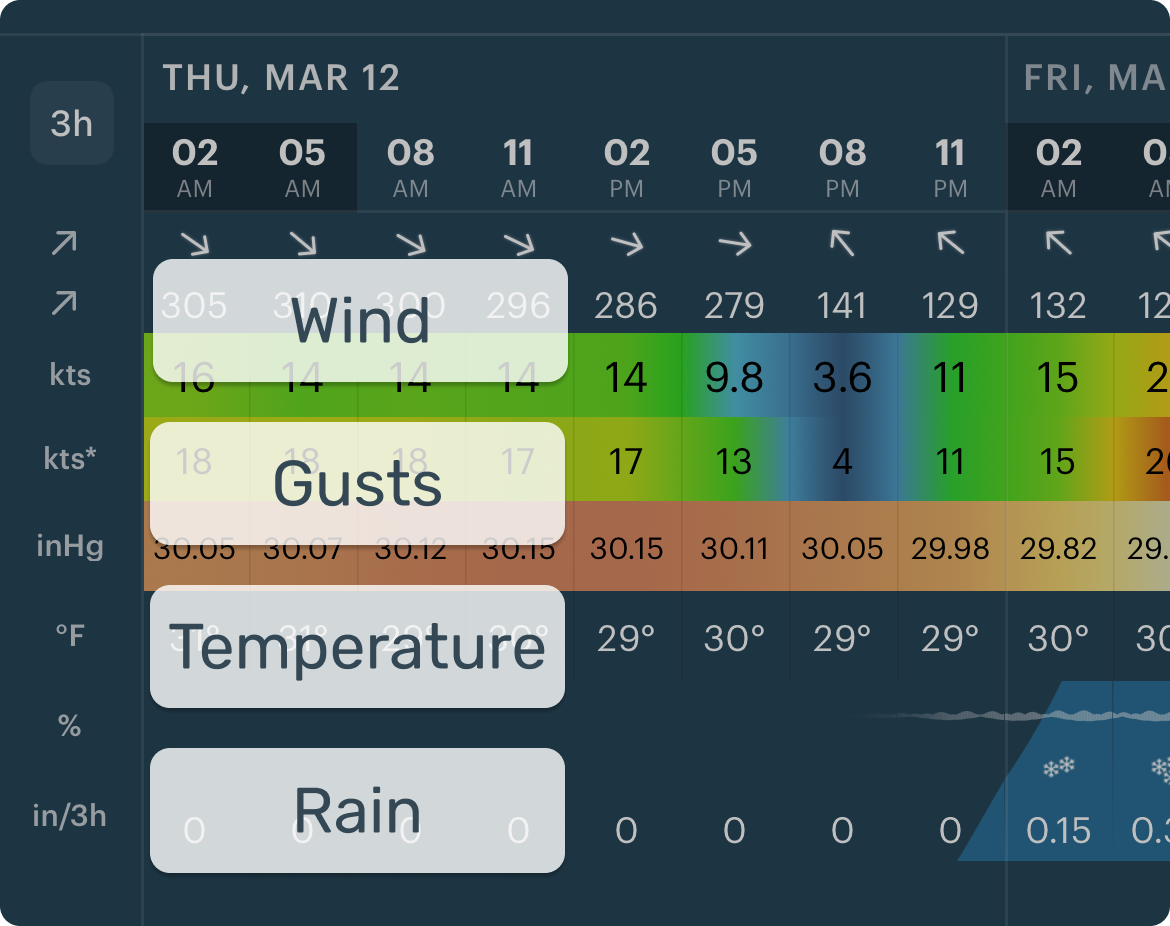
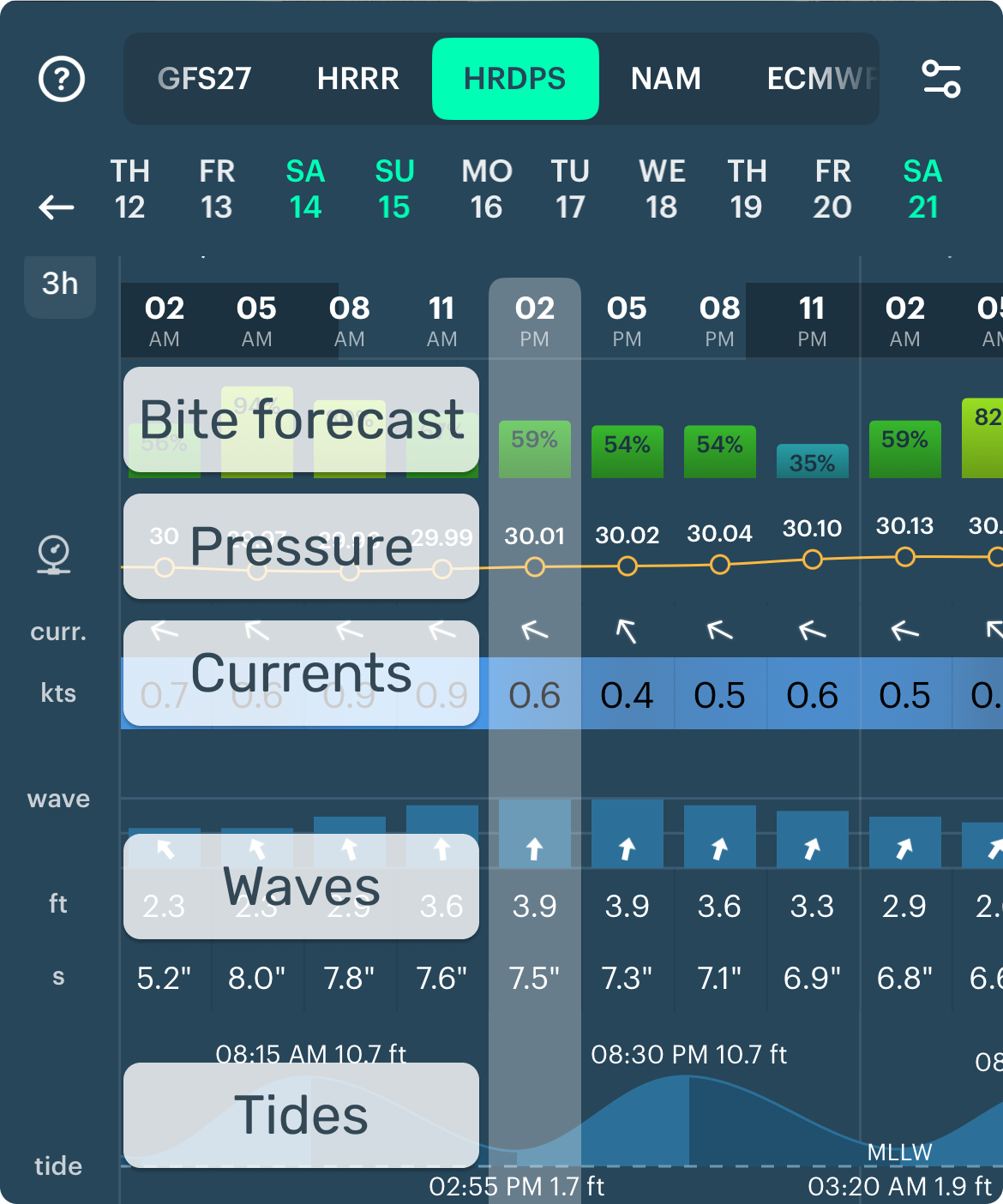
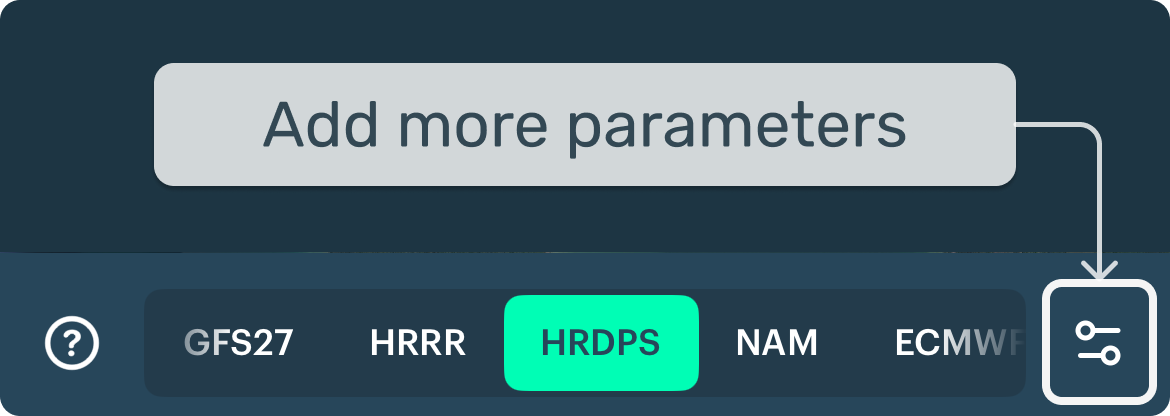
Don't see what you need? Use presets for different activities (Settings → Profile).
3) Compare models (optional)
Each model gives a slightly different forecast. Comparing them shows how reliable it is.
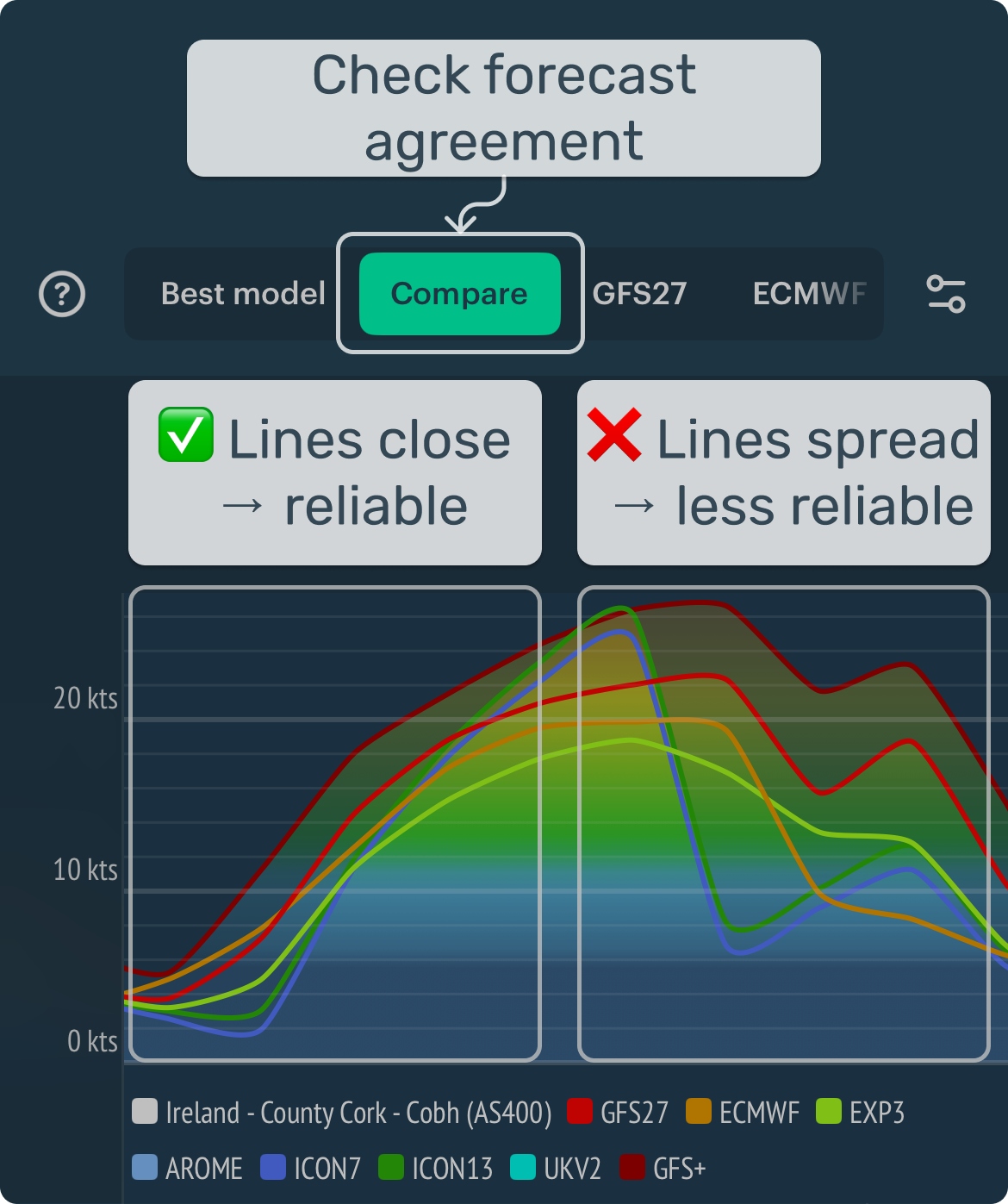
Meteorologist tip: If models agree → higher confidence. If not → expect uncertainty. Postpone, choose another spot, or wait for the next update (~6 hours).
After you do this a few times, reading a forecast becomes fast and intuitive.
2. Right before you go: 3 quick checks
Real-life conditions can change faster than the forecast updates. These three quick checks help you make safer decisions.
1) Rain radar check
- Radar shows real rain now (not a forecast) within ~100–200 km.
- Windy.app adds a short 2-hour forecast (nowcasting).
- Tap Play to see how rain moves.
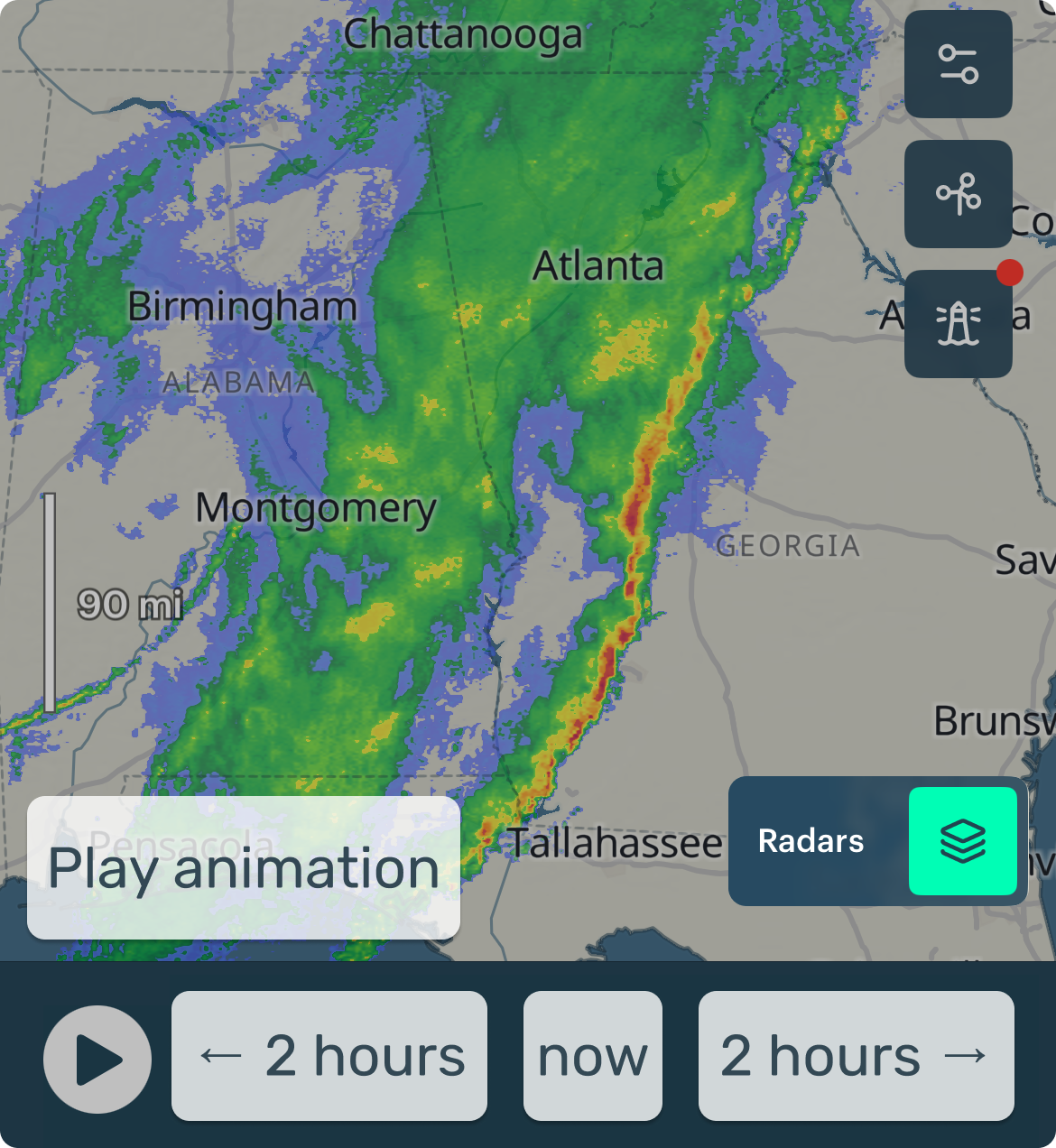
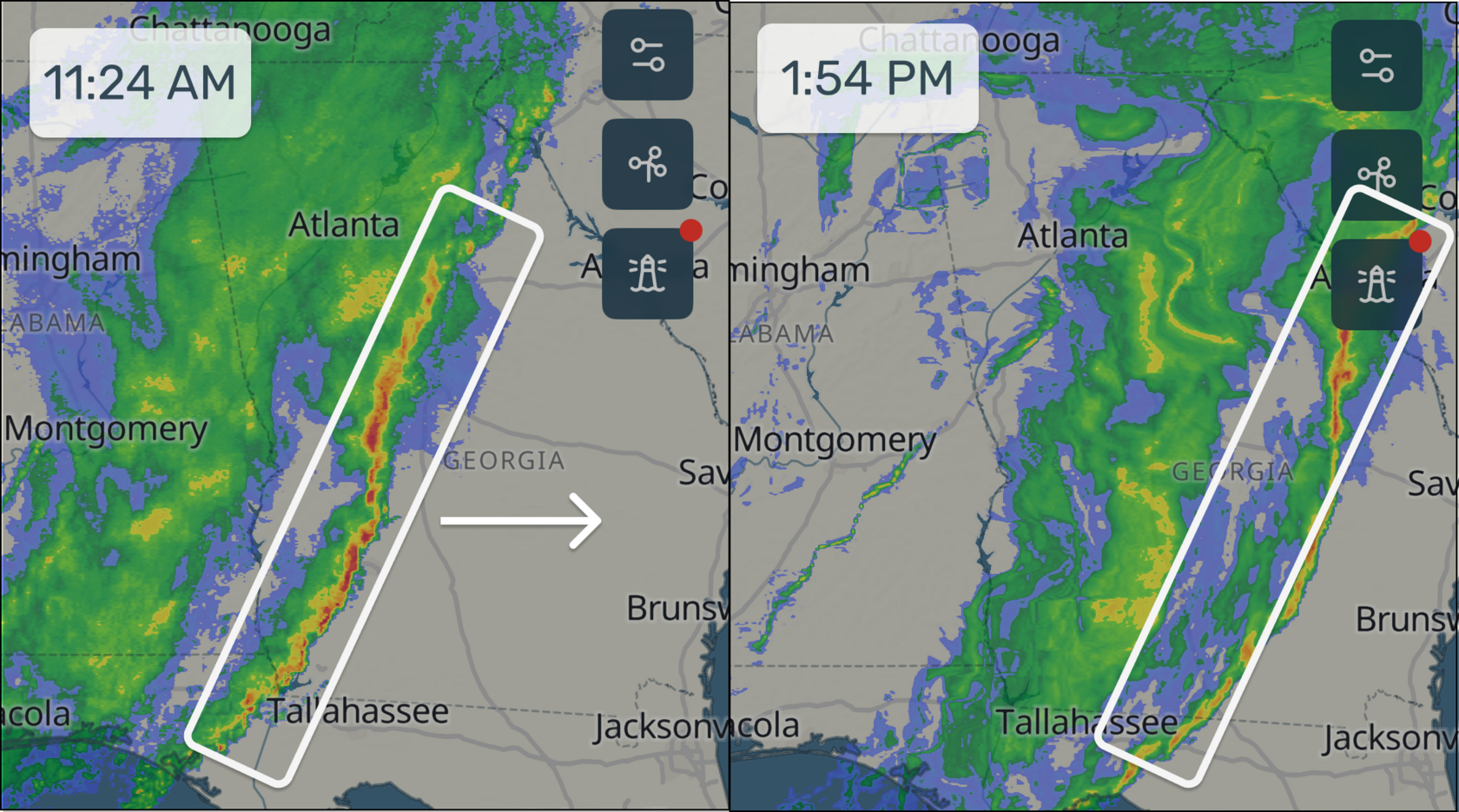
Meteorologist tip: A long, fast-moving rain band is often a cold front — wind shift, stronger gusts, thunderstorms, temperature drop after passage.
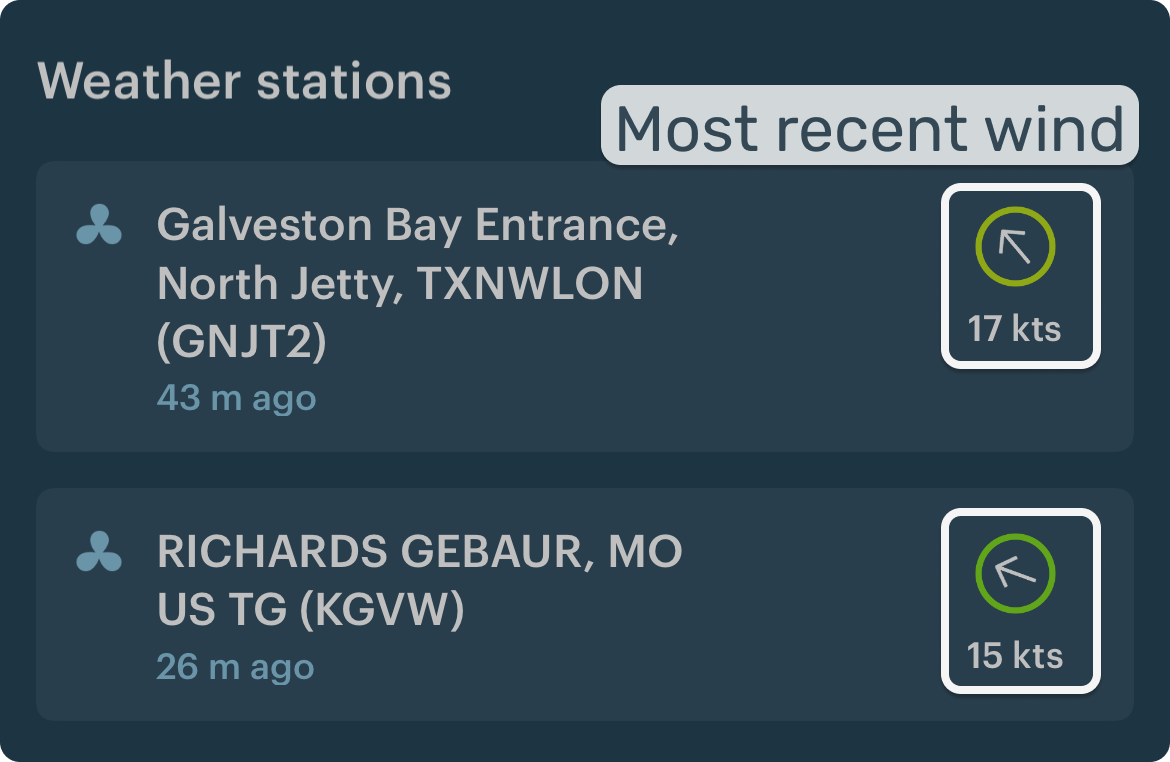
2) Live wind (weather stations) check
- Weather stations show real wind and gusts — not a forecast.
- The forecast can be wrong. Stations show reality.
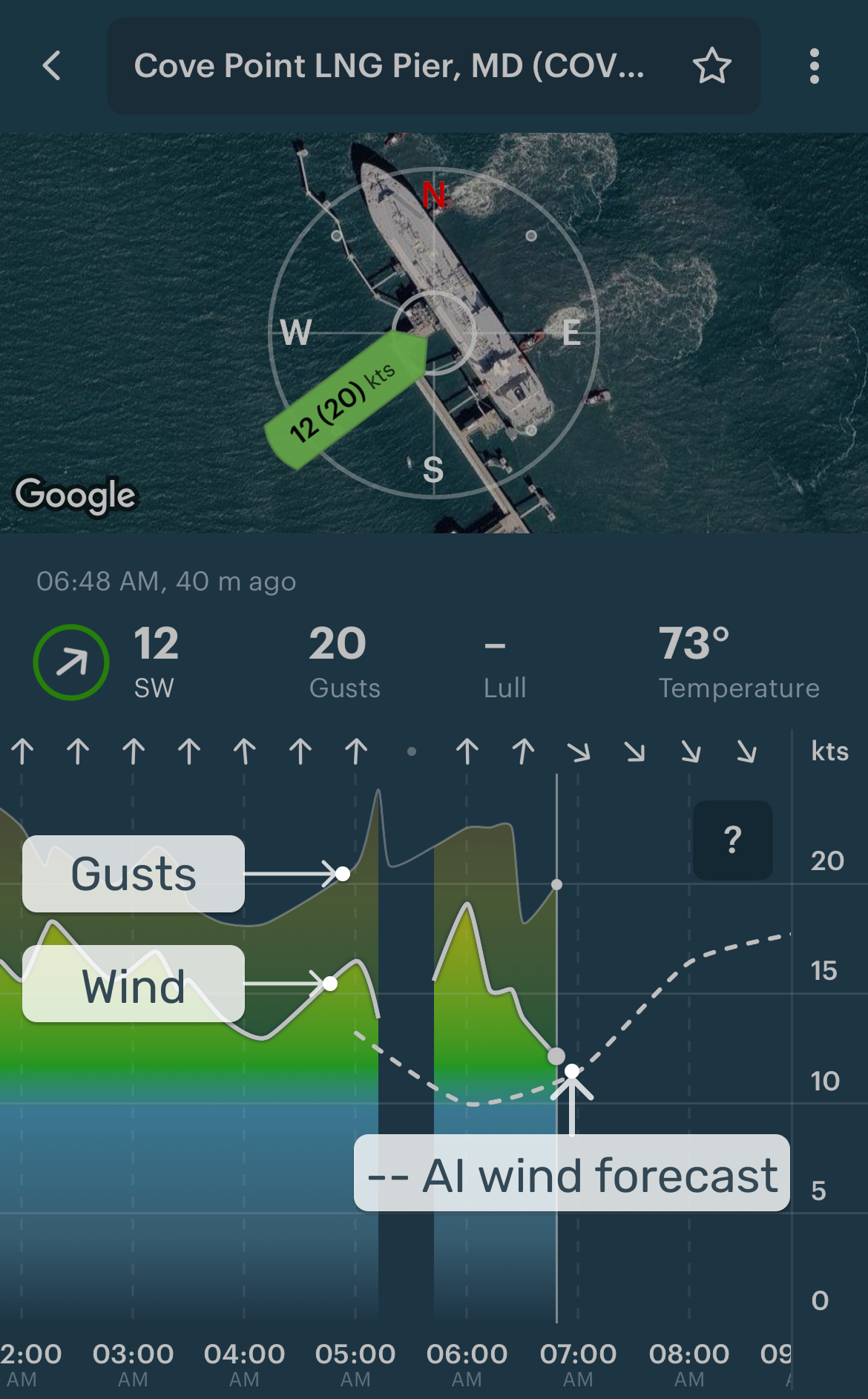
How to read live wind:
- Does it match the forecast?
- Is it increasing or dropping?
- Check gusts — they can be a game-changer.
The nearest stations are just below the forecast table: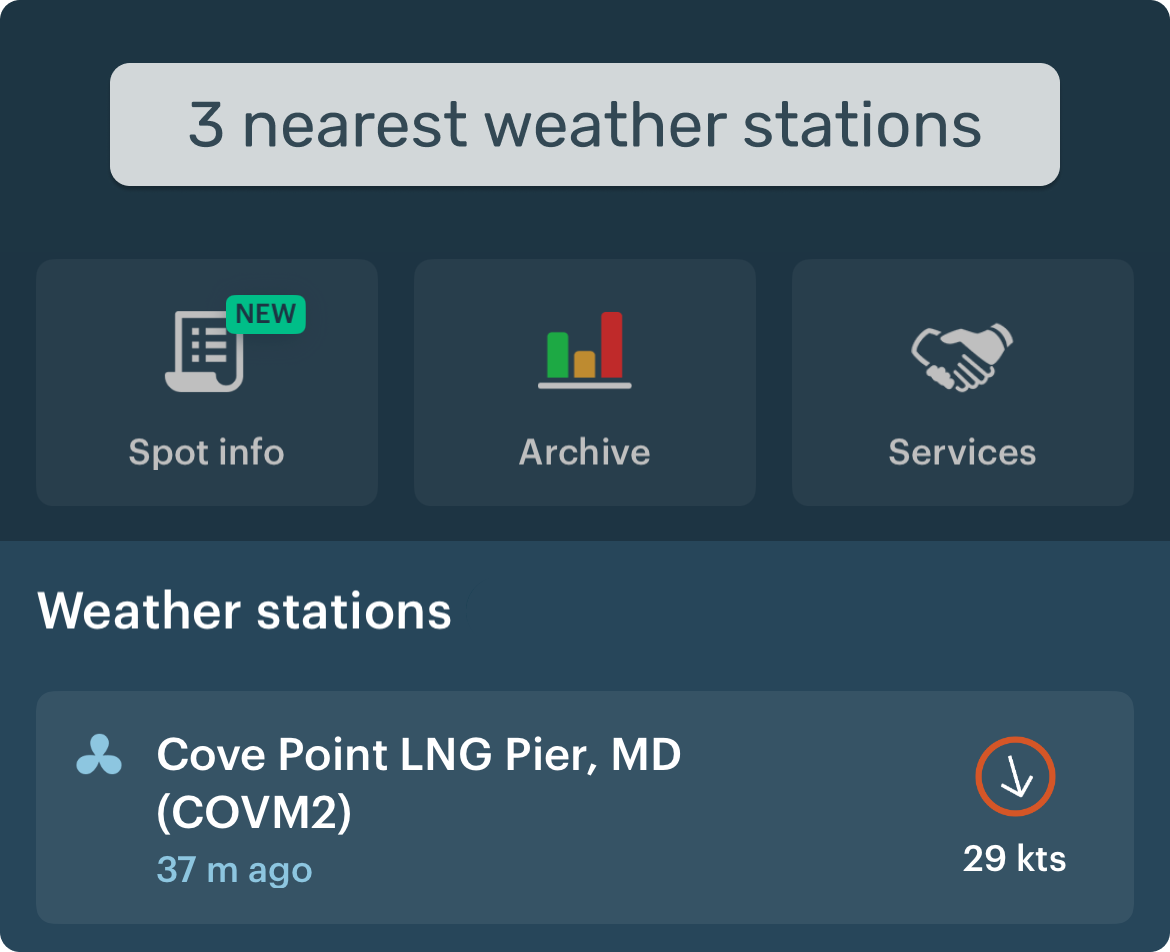
3) The freshest forecast check
Check which model was updated last (shown under the forecast table). Has it changed?
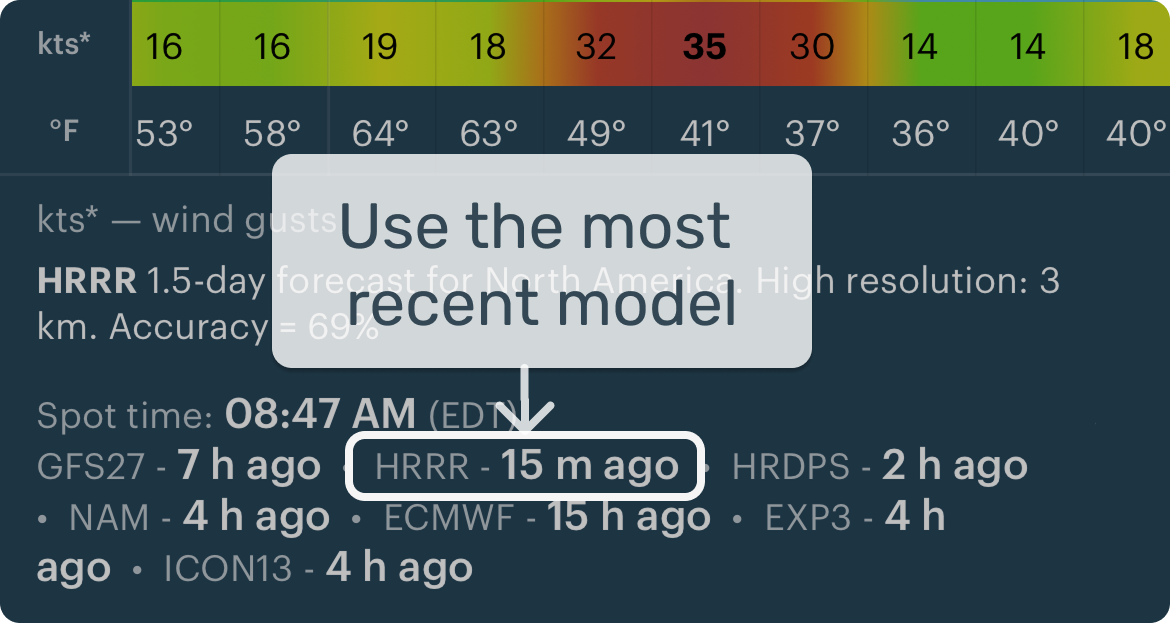
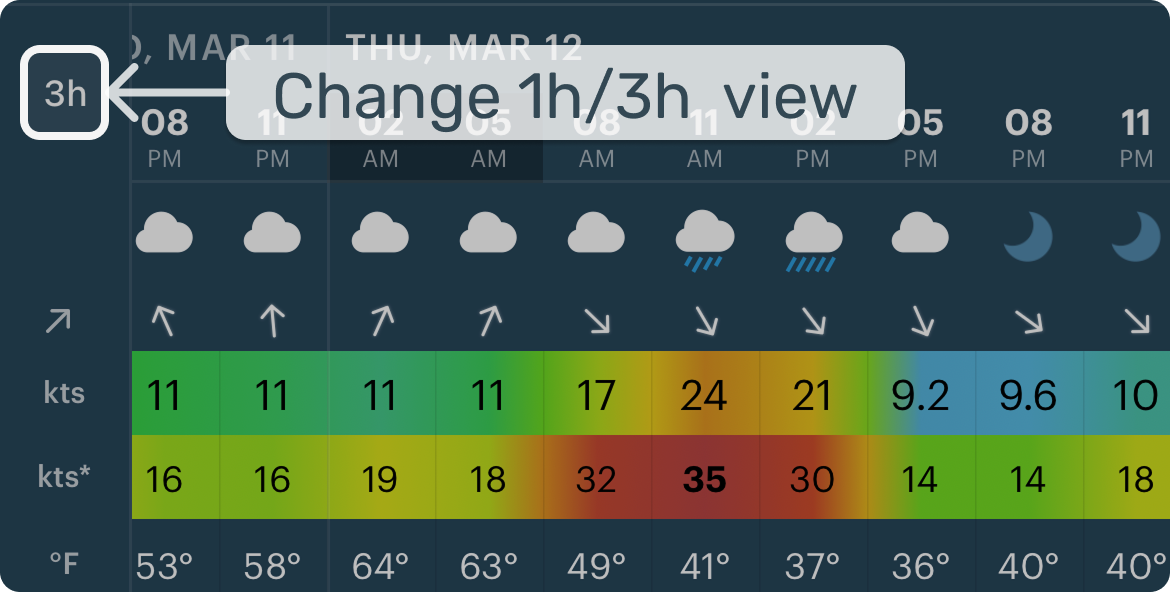
When timing is important, switch from a 3-hour step to a 1-hour step for easier planning.
Meteorologist tip: Fresh forecasts include the most recent observations — in fast-changing weather, this can make a real difference.
3. App's main screens
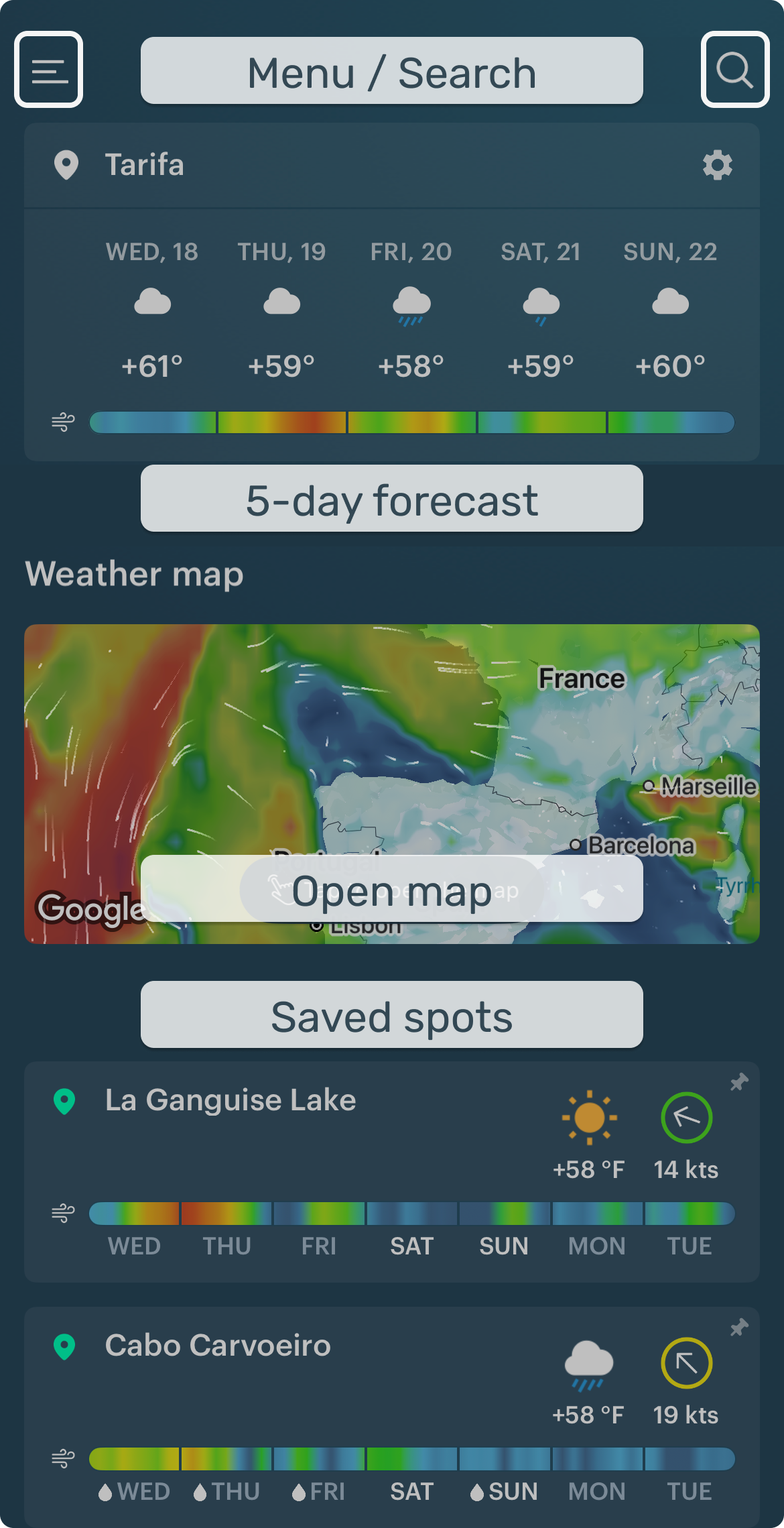
1) Main screen
Open forecasts for your favorite spots, jump to the Weather Map, or search for a new spot.
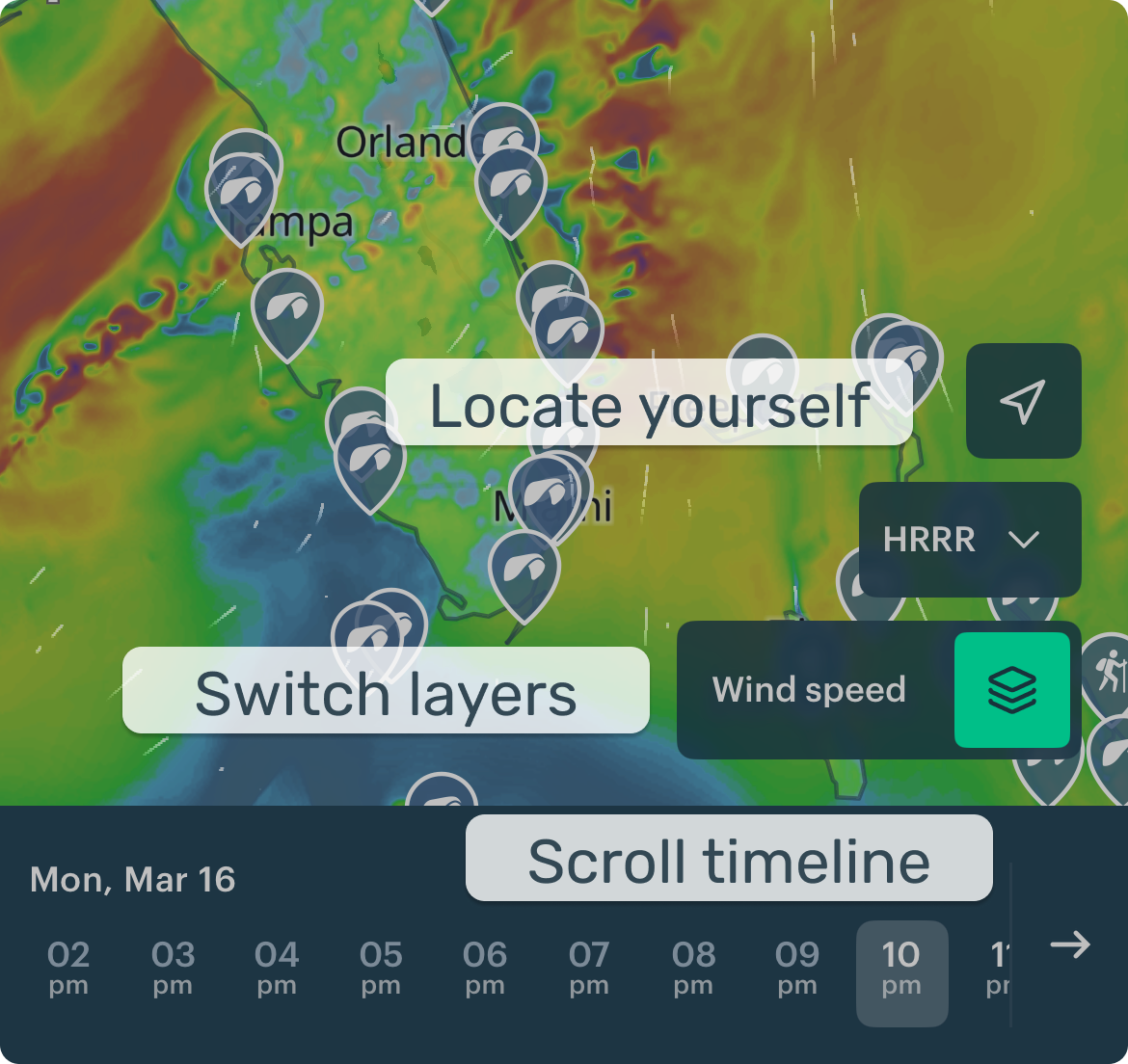
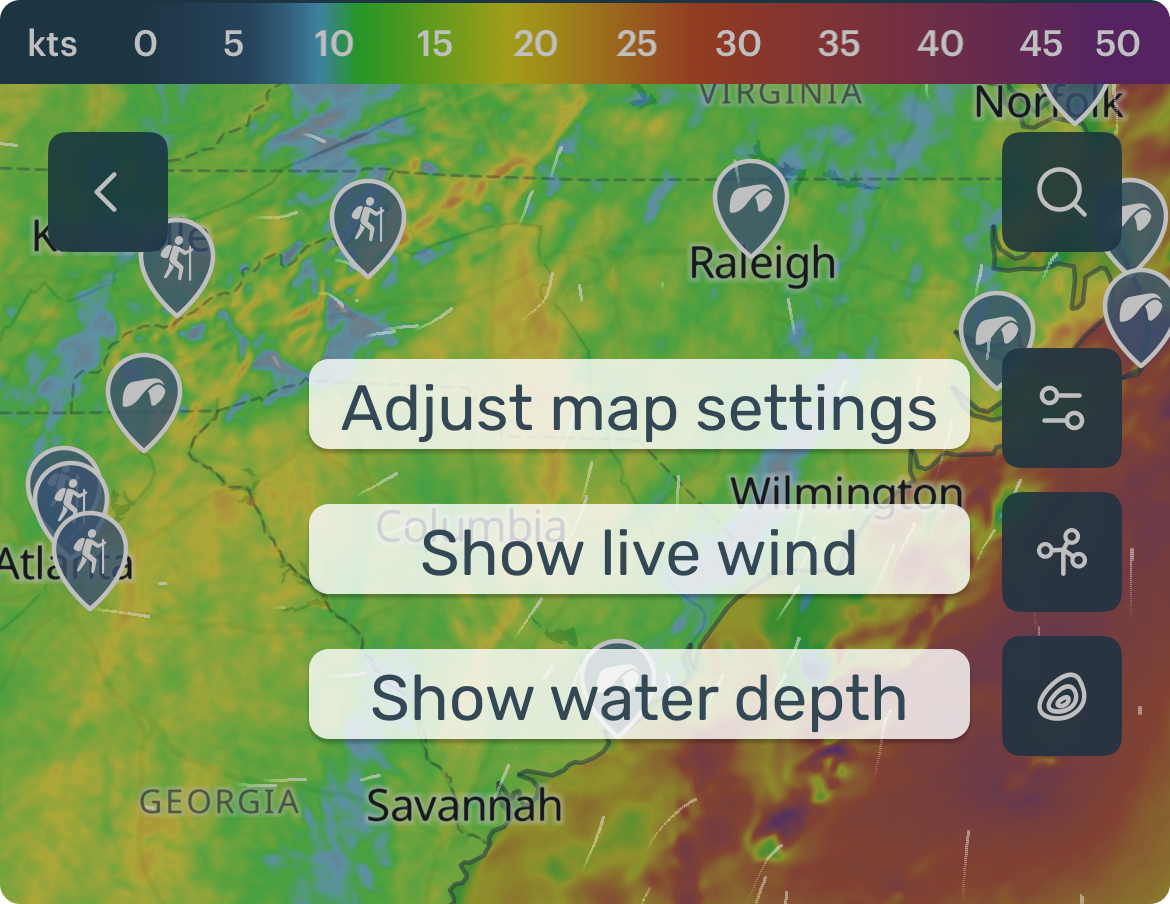
2) Weather map
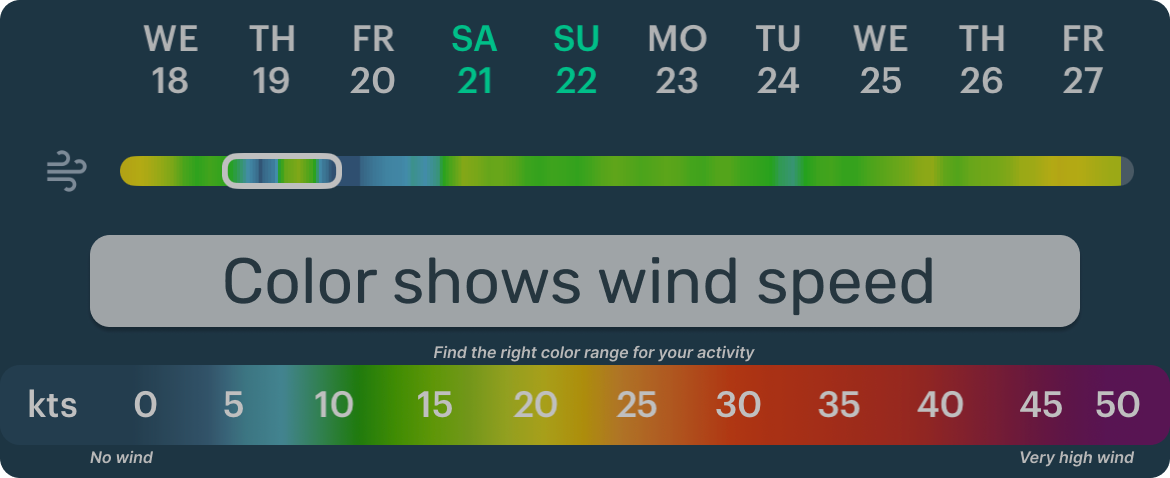
Layers control WHAT you see (wind, rain, waves). The timeline controls WHEN.
3) Spot forecast
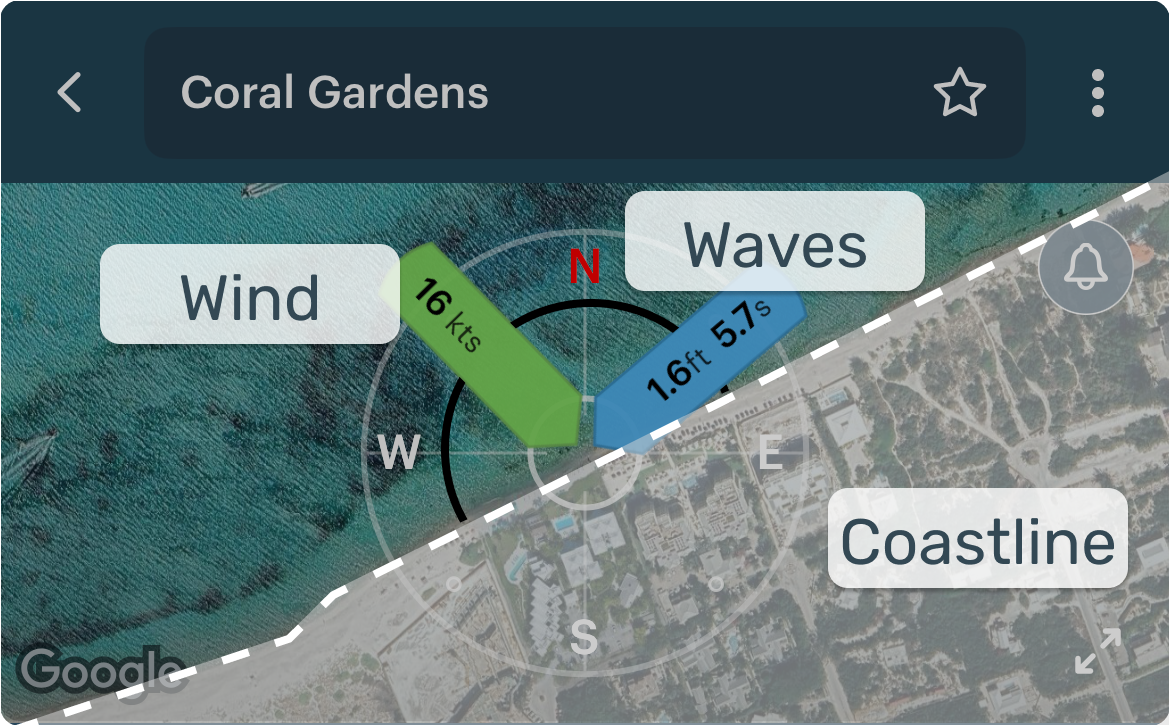
Use this screen to check conditions, understand the spot, and pick the best time.
Wind rose
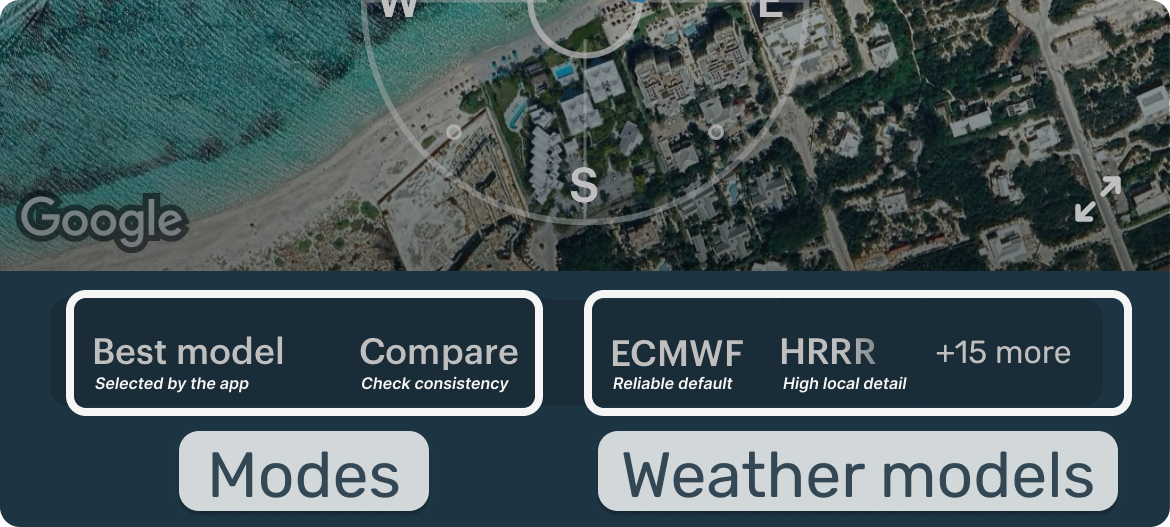
Model / Mode picker
Windy bar
Forecast table
Nearest weather stations
4) Live wind screen
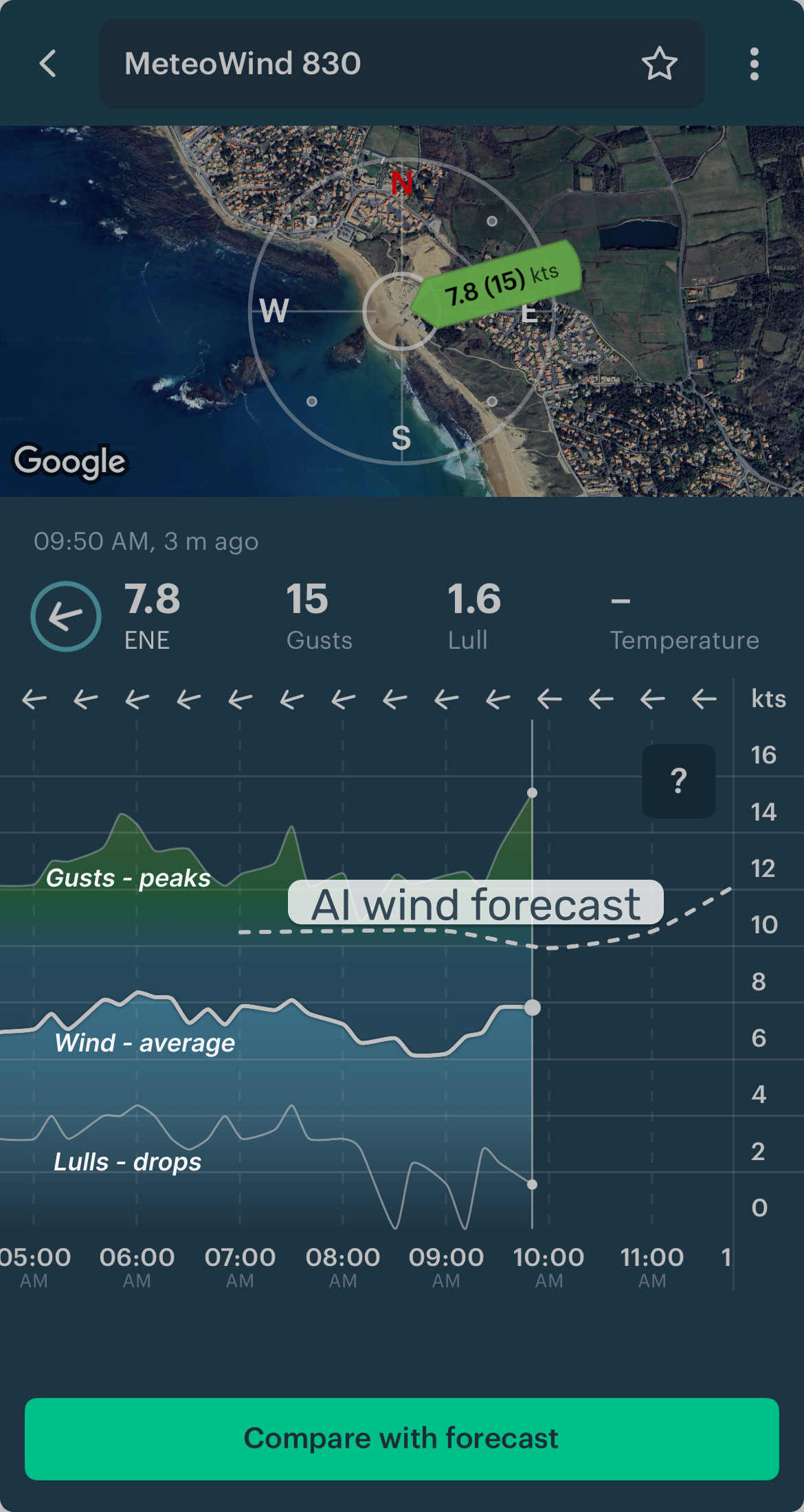
- Real data, not a forecast
- Confirms or adjusts your forecast
- Shows trends (building or dropping wind)
- Tells you when wind is finally what you need
Set up for faster reading: Add spots and stations to Favorites. Customize the Spot Forecast table. Use weather overlays for context (fog, thunderstorms, fronts, isobars).
4. Weather models — key to accuracy
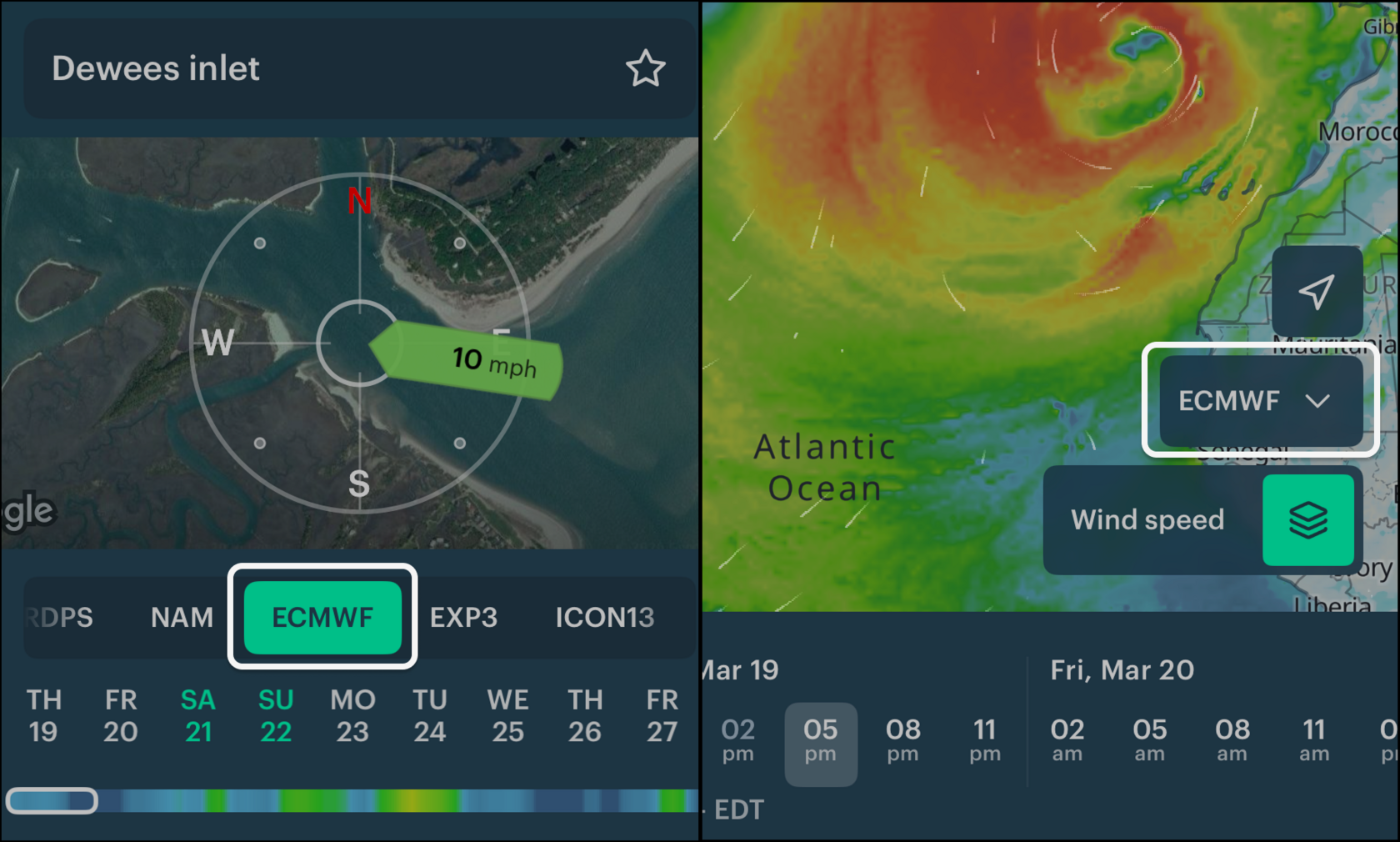
Windy.app has 15+ models — the best in the world. Why check more than one: agreement = confidence; disagreement = be cautious.
- Start with ECMWF (best overall).
- For more accuracy — use Best model mode.
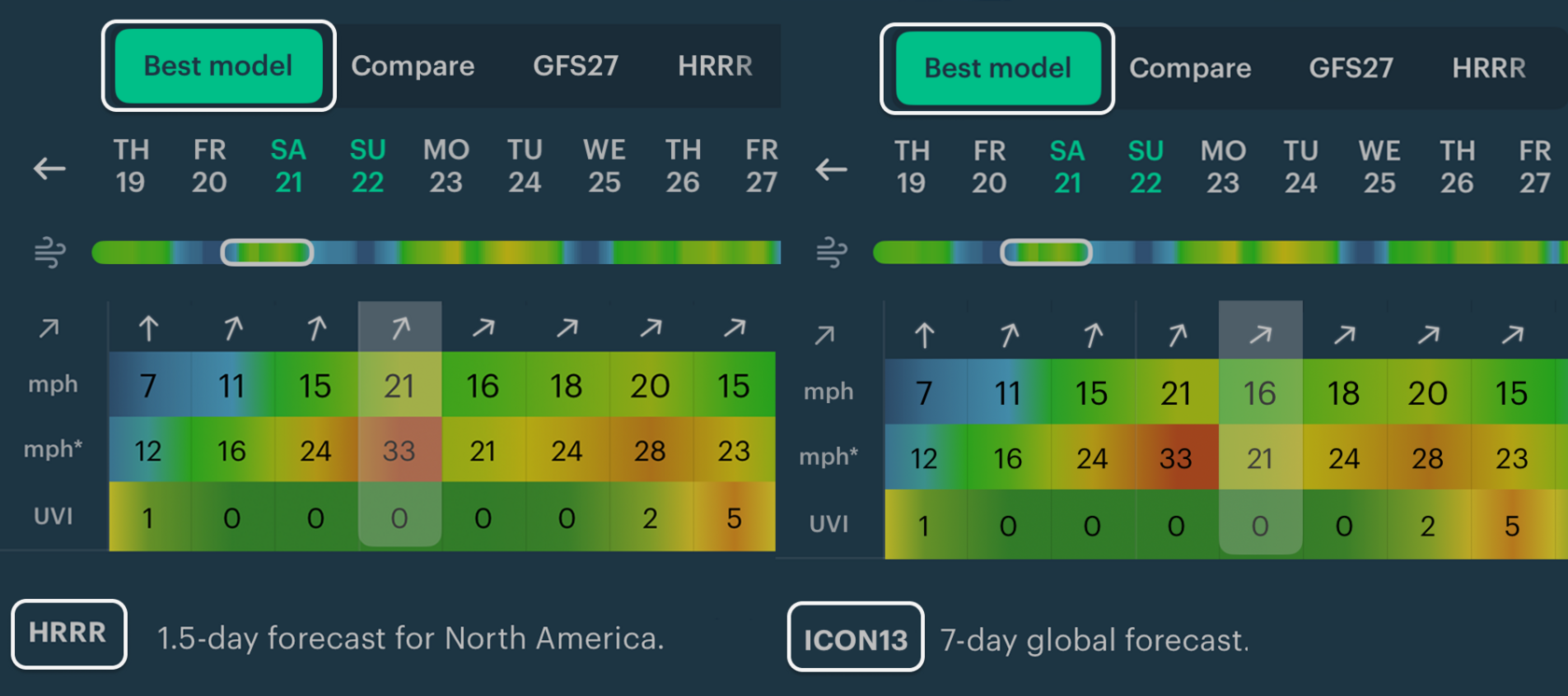
Meteorologist tip: "Best model for this spot" = matched the wind here best in the last 10 days. The "best" model may change.
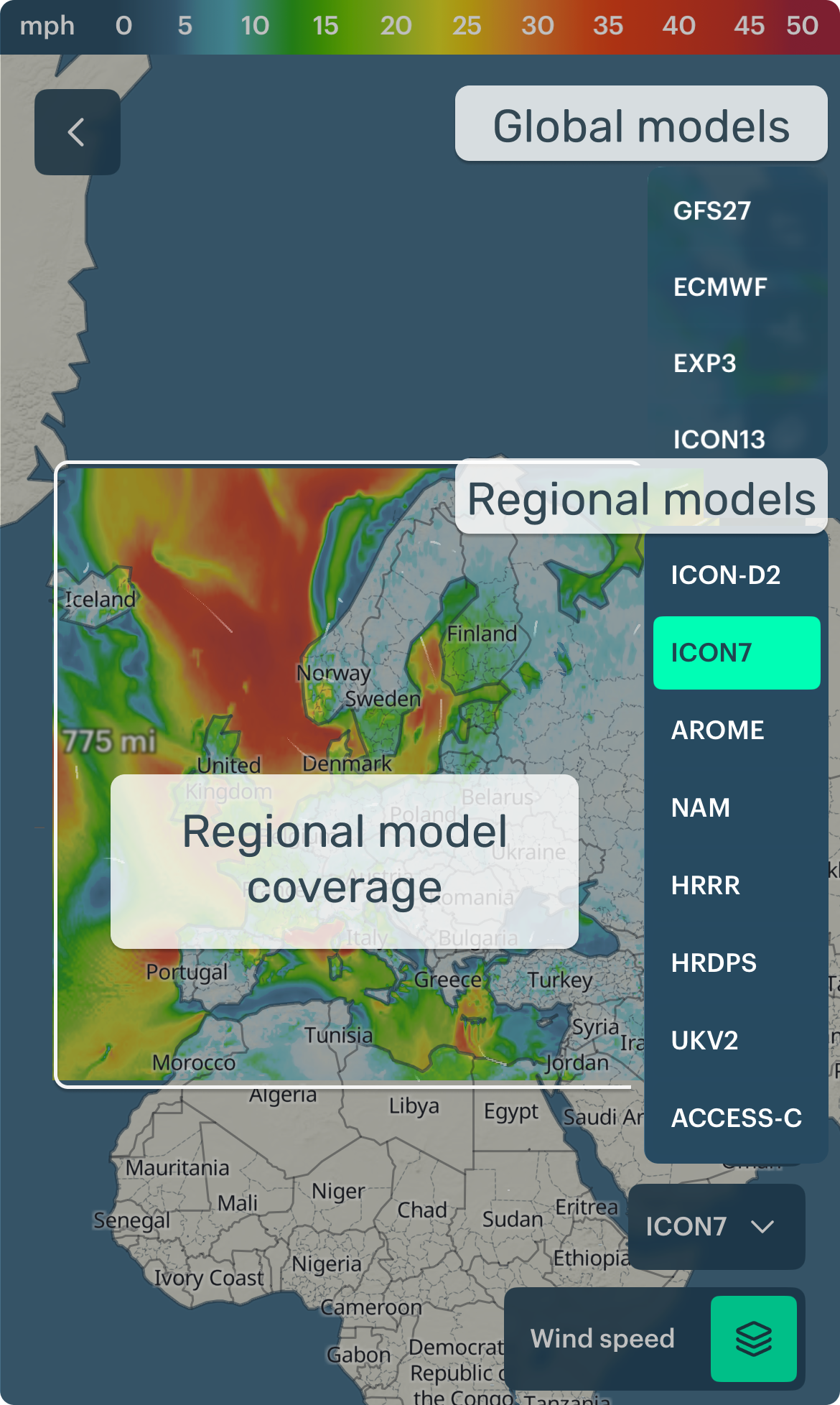
- Check local or regional models too — they capture coastal, mountain, and valley effects better.
- For confidence, compare all models.
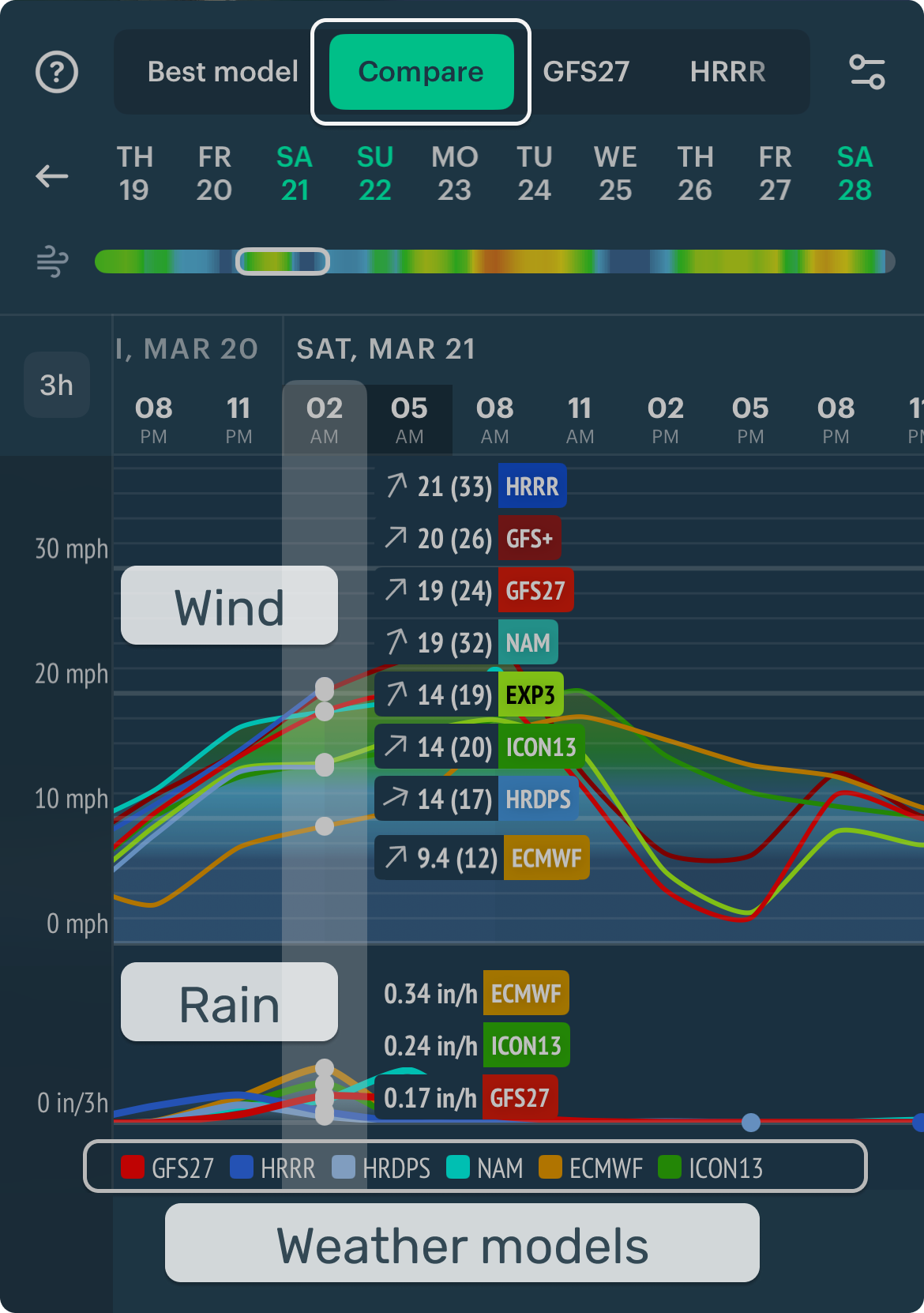
Meteorologist tip — compare models especially when:
- Wind or rain is close to your go/no-go threshold
- Storms are possible
- Forecasts change a lot between updates
Meteorologist tip — do a quick post-check:
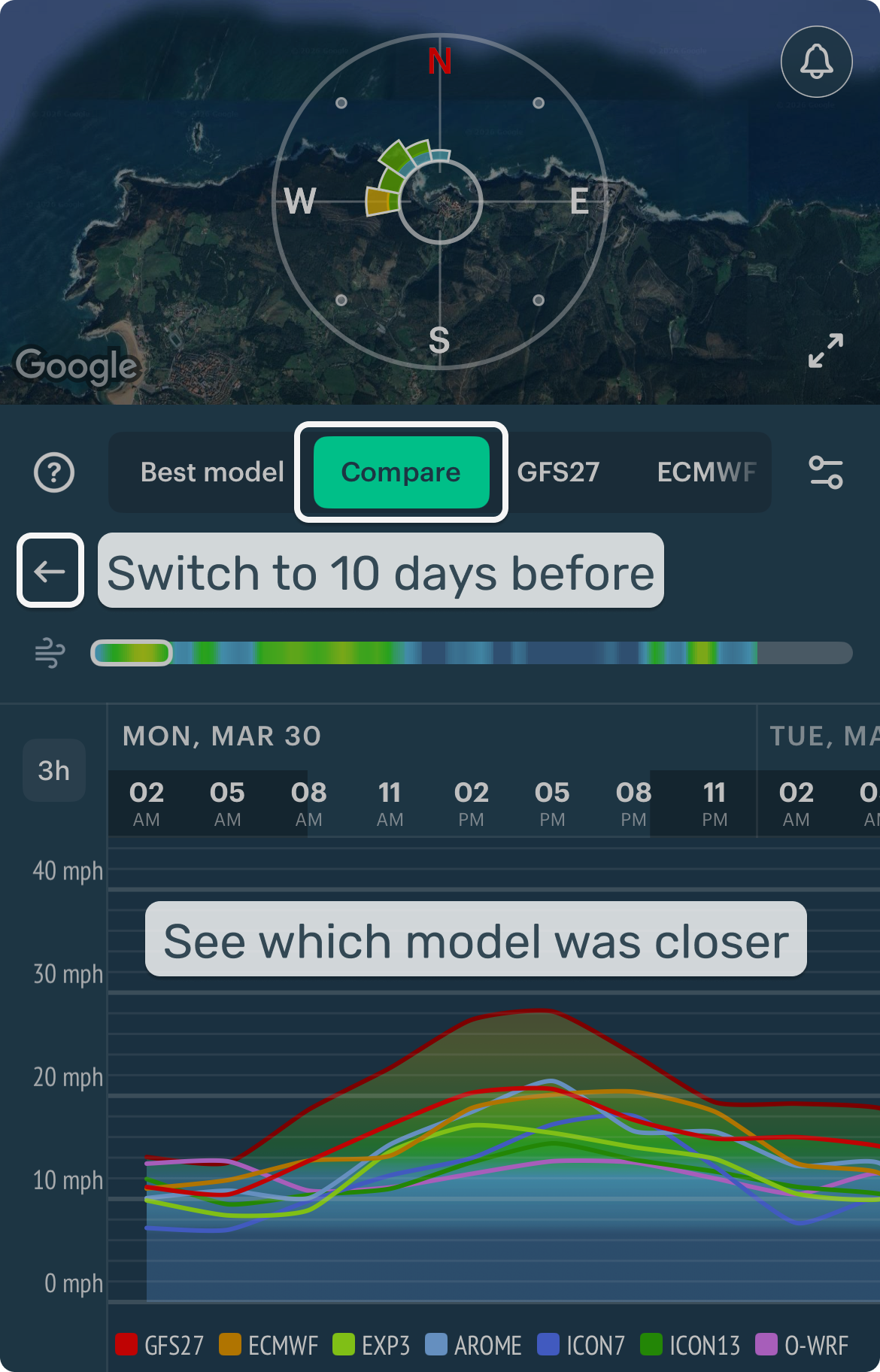
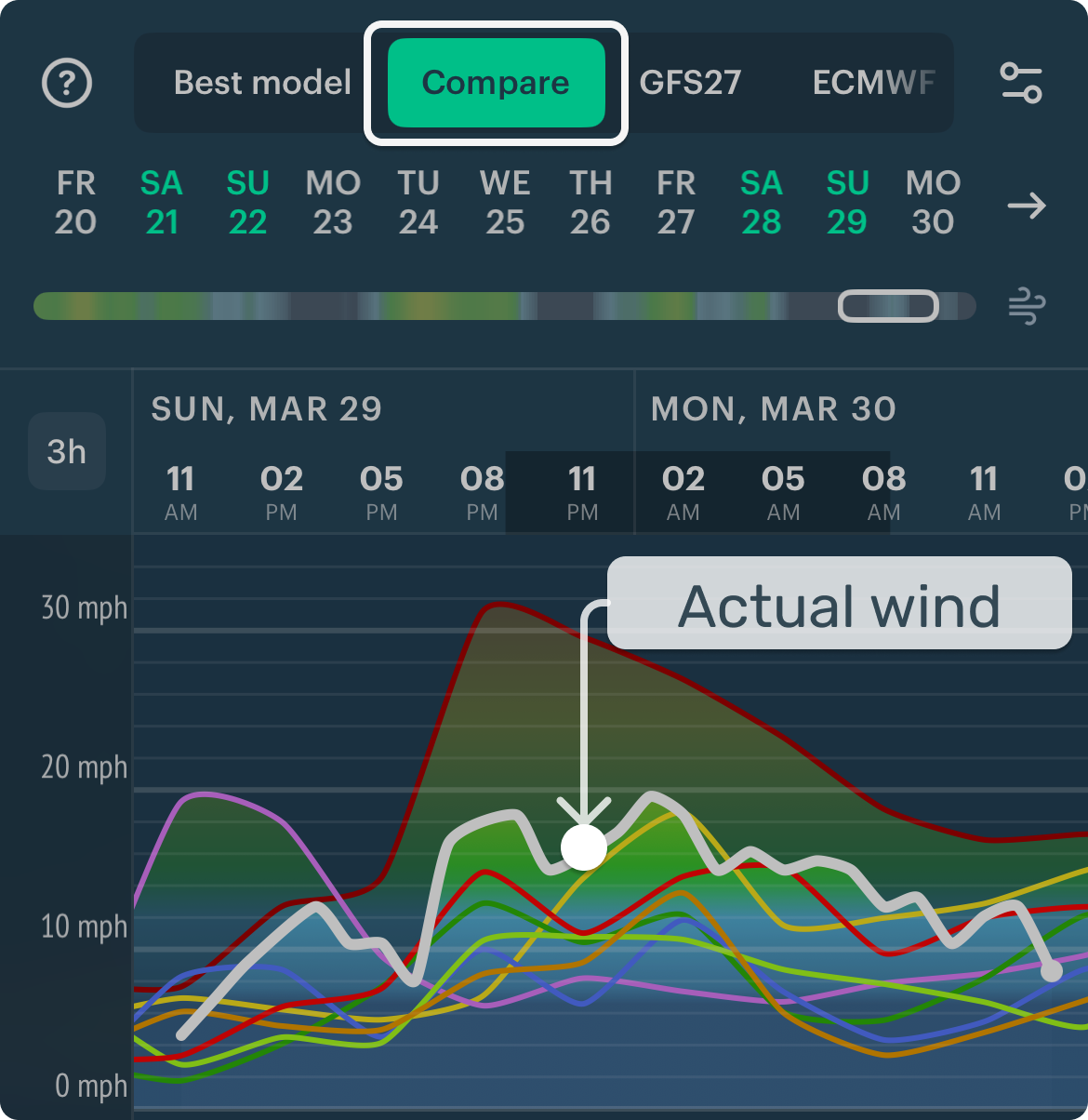
- Which model was closest?
- Was timing wrong, strength wrong, or both?
Pick those models next time for this spot.
5. Mini glossary
Global models
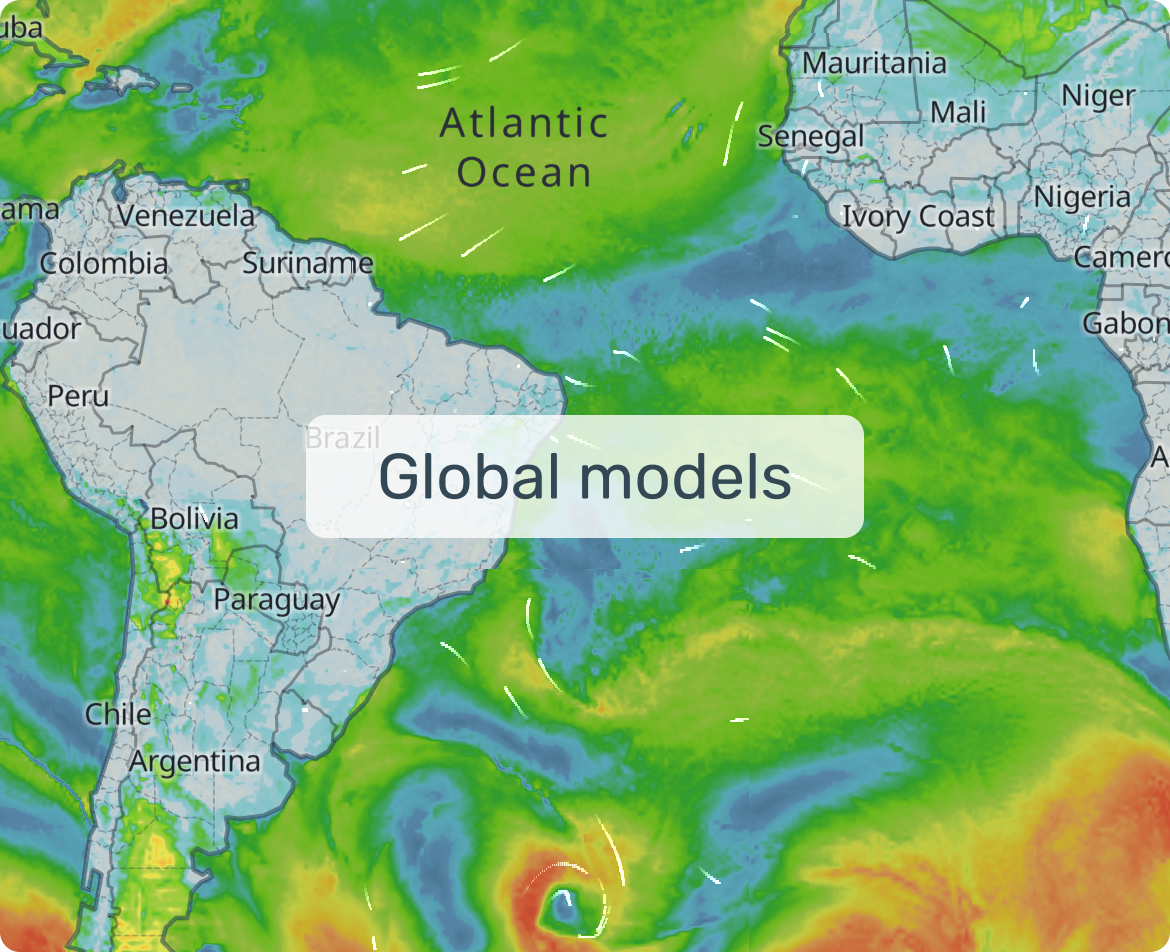
| Model | Best for | Pick this when… | Watch out for |
|---|---|---|---|
| ECMWF (10d) | ✅ Beginners. #1 for most decisions | Your first look | May miss very local effects |
| GFS27 (10d) | #1 for oceans and long-term trends | Second opinion, bigger picture | Less detail in complex terrain |
| ICON13 (7.5d) | #1 for complex terrain | Coastal and mountain spots | Can over/underestimate on calm days |
| EXP-3 (10d) | #1 for coastal details | Coastlines, channels, terrain winds | Evolving model |
Regional models
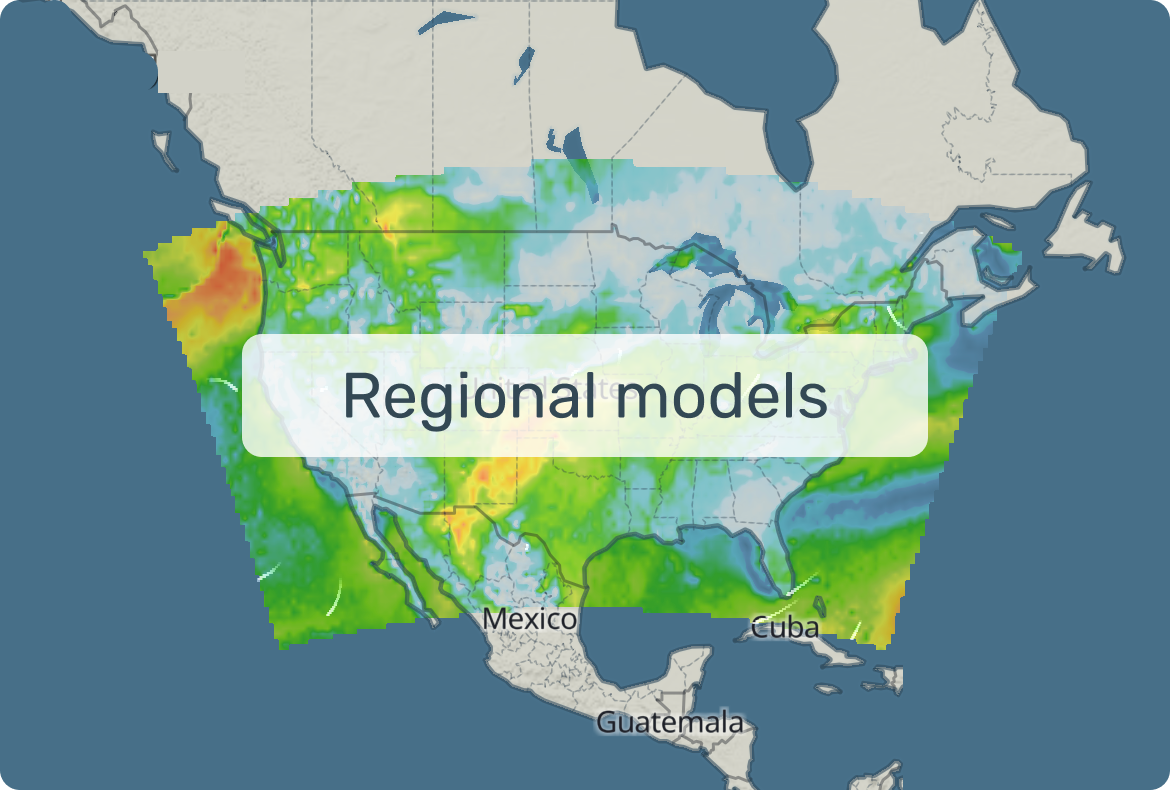
| Model | Best for | Pick this when… | Watch out for |
|---|---|---|---|
| ICON7 (5d) | #1 Europe regional | Planning a few days ahead in Europe | May miss breezes and terrain effects |
| NAM (61h) | #1 for US broader view | Second opinion, next 1–2 days in US | Underestimates local effects |
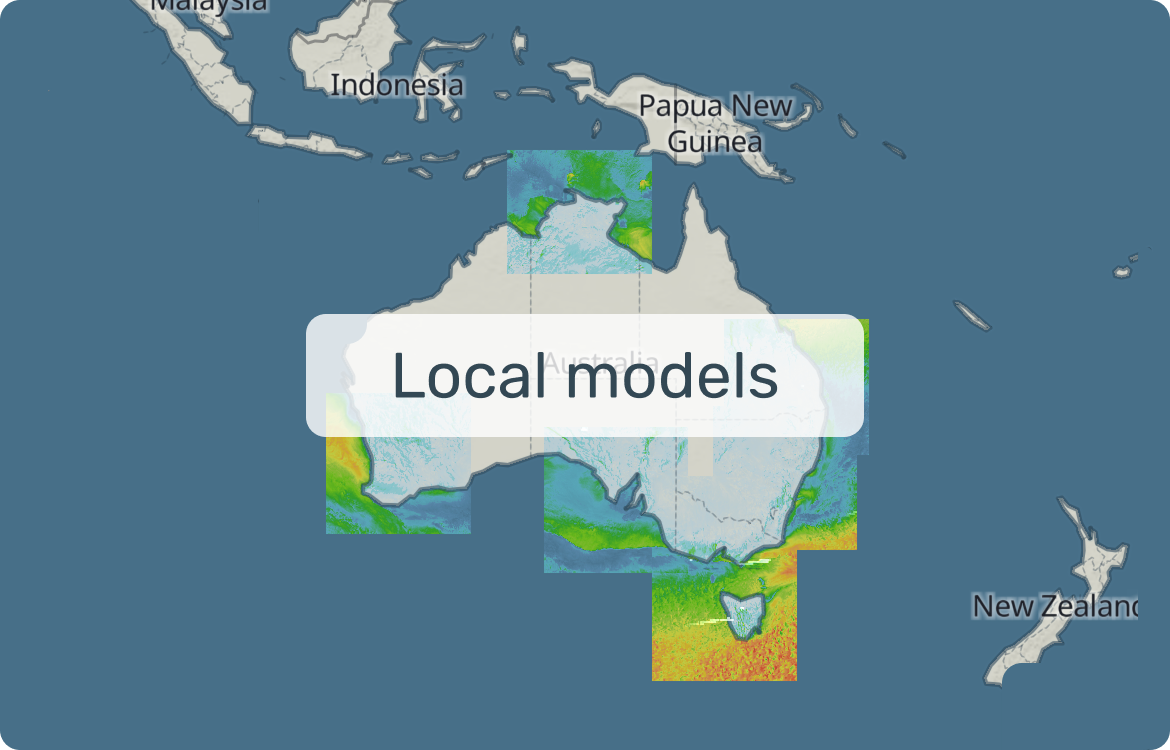
Local models
| Model | Best for | Pick this when… | Watch out for |
|---|---|---|---|
| HRRR (36h) | US day-of: showers, squalls, gusts | Day-of decisions in the US | Wind patches over flat terrain |
| HRDPS (48h) | Canada: channeling winds | Canadian coasts and straits | Less reliable for showers |
| AROME (42h) | France: breezes, valley winds | Day-of decisions in France | Thunderstorm location may shift |
| ICON-D2 (27h) | Germany: föhns, valley breezes | Short-range in Germany | May overestimate heavy rain |
| UKV-2 (54h) | UK timing: fronts and fast changes | When a front is approaching in the UK | Timing can be off in fast storms |
| OpenSkiron (5d) | Mediterranean route planning | 3–5 day route planning | May miss breezes |
| OpenWRF (2d) | Mediterranean cross-check | When models disagree near-term | Less reliable in fast changes |
| ACCESS-C (36h) | Australia coasts | Short-range Australian coast | Only parts of Australia |
Meteorological terms
Wind direction: Where wind blows from. "North wind" blows from north to south.
Gusts: Short peaks in wind speed — often decide whether conditions feel manageable.
Radar: Real precipitation right now, not a forecast.
Nowcasting: Short-term estimate based on recent observations (often used with radar).
Weather station: Live report of wind, gusts, and direction at a real location.
Front: Boundary between air masses. Linked to wind shifts, showers, and fast changes.
Isobars: Pressure lines. Tighter spacing = stronger wind.
Wave height: How big the sea is expected to be.
Wave period: Time between waves. Longer period = more powerful waves.
Wave direction: Where waves come from — changes which spots are exposed.
Sea / land breeze: Local winds from land–water temperature difference. Build during the day, weaken after sunset.
Local winds: Driven by terrain, heating, or cooling. Can differ a lot from the regional forecast.
Wind shadow: Weaker-wind area behind an obstacle. Lighter and gustier near the edges.
Tunnel effect: Wind speeds up through narrow gaps (passes, straits, valleys). Expect stronger winds and sharper gusts.
Global model: Worldwide coverage, lower detail.
Regional model: Smaller area, greater detail.
Resolution: How detailed the model grid is. Smaller km = more local detail.
6. Help and support
Email: windy@windyapp.co — a friendly team, happy to help!
Chat with support → ↑ Back to top