Custom profile
Build a forecast table that shows exactly the parameters you care about — and nothing else.
How to use custom profiles for your benefit?
You can customize any of our preset activity profiles to match the way you use the forecast. Remove the parameters you don't need and add the ones that matter most to you.
Parameters added from the Easy section follow the forecast model selected for the spot. When you switch models, the data shown for these parameters updates automatically.
Parameters added from the Advanced section remain linked to the model you selected when adding them. They won't change when you switch the main forecast model for the spot.
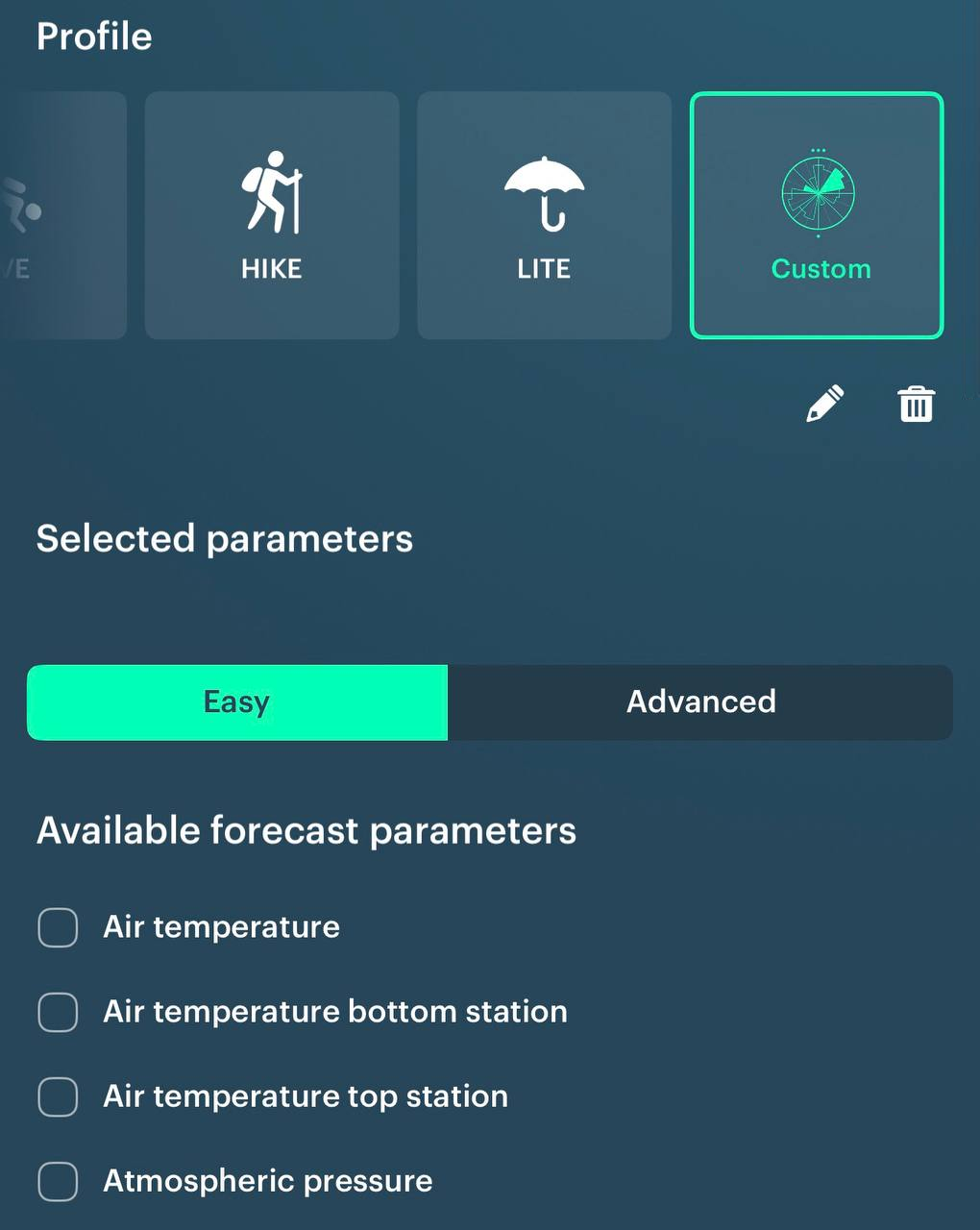
Your profile lives next to the models
Custom sits in the same row as models. Switch the model and your custom set of parameters is recalculated instantly. Click on your custom profile to switch back to our presaved profiles
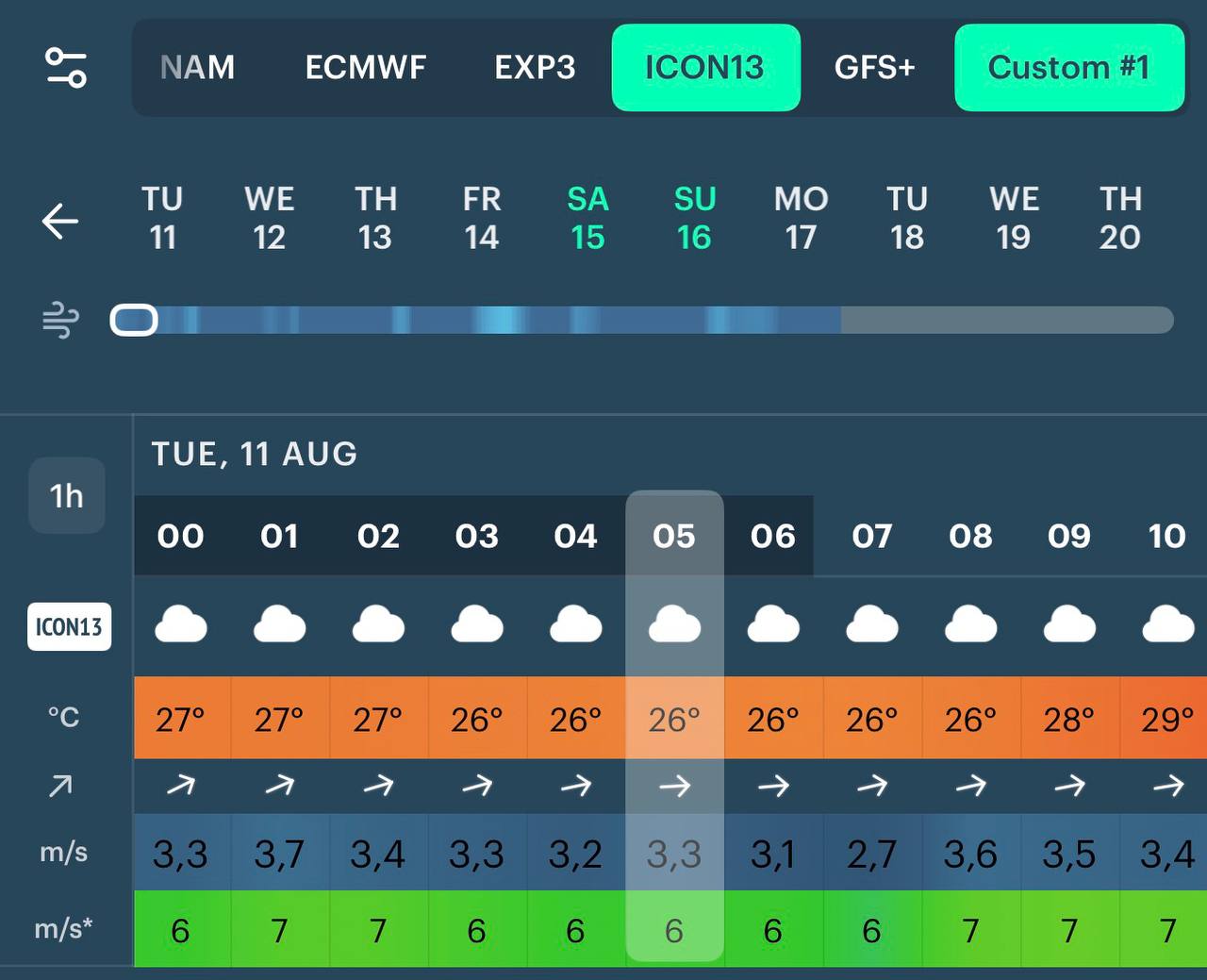
Which parameters may change
Everything available for a custom profile: