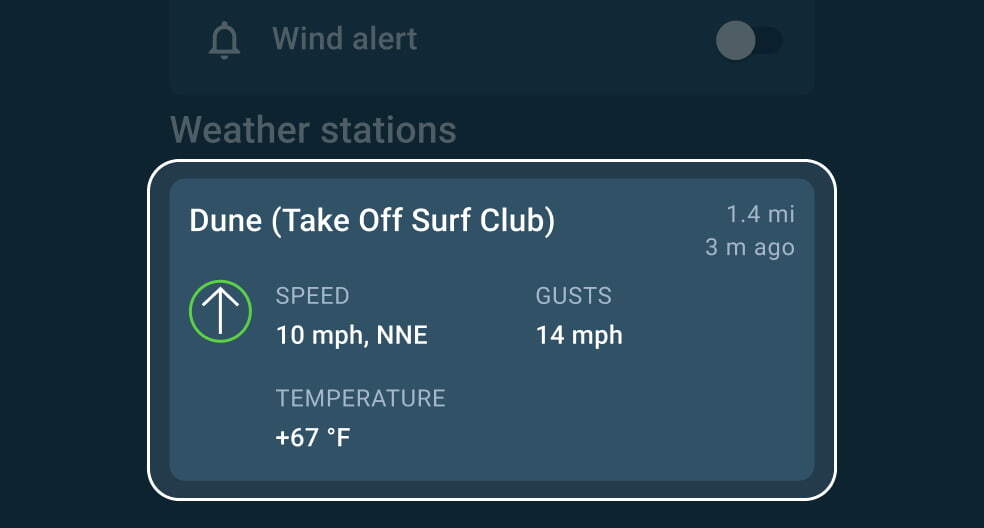
Where to find weather stations:
1. At a spot – below the forecast table
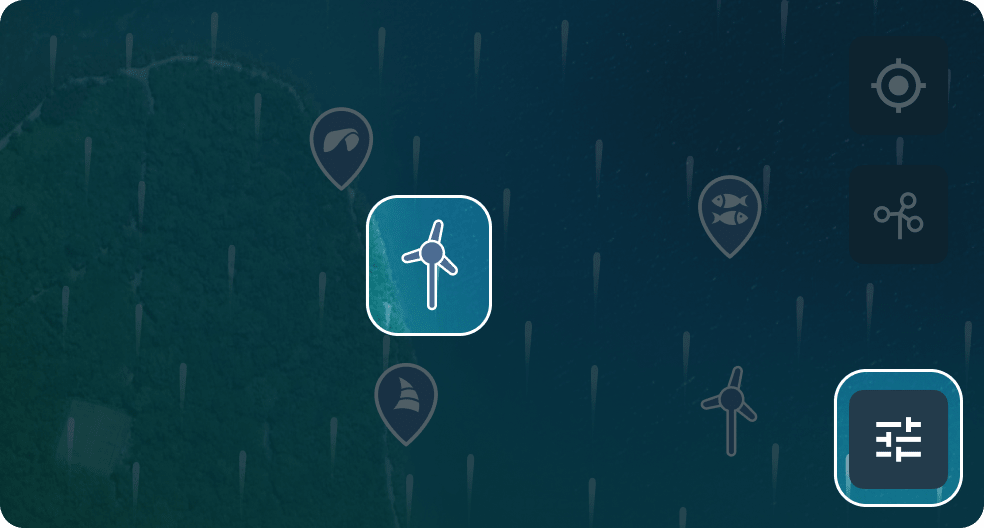
2. On the map –

icons, turn them on in

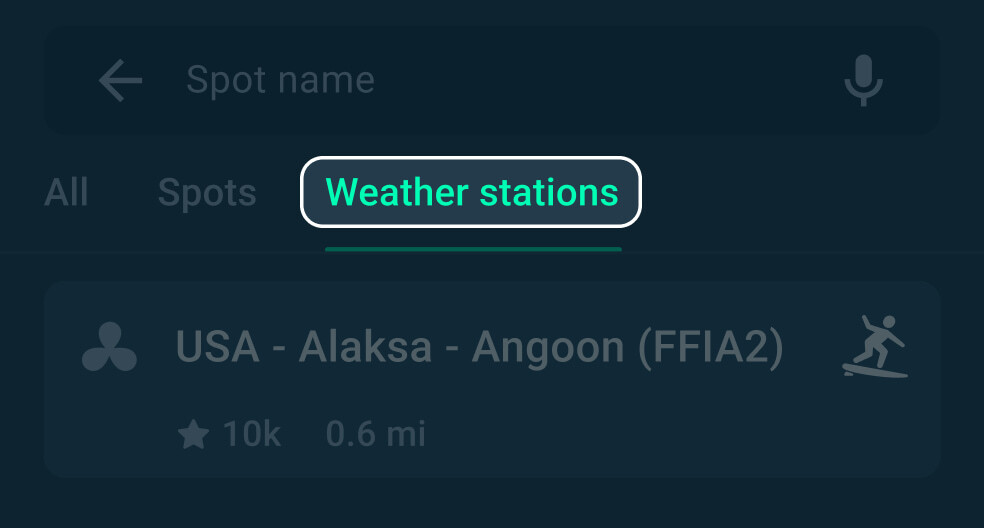
3. Via search – if you know the station name
What a weather station shows:
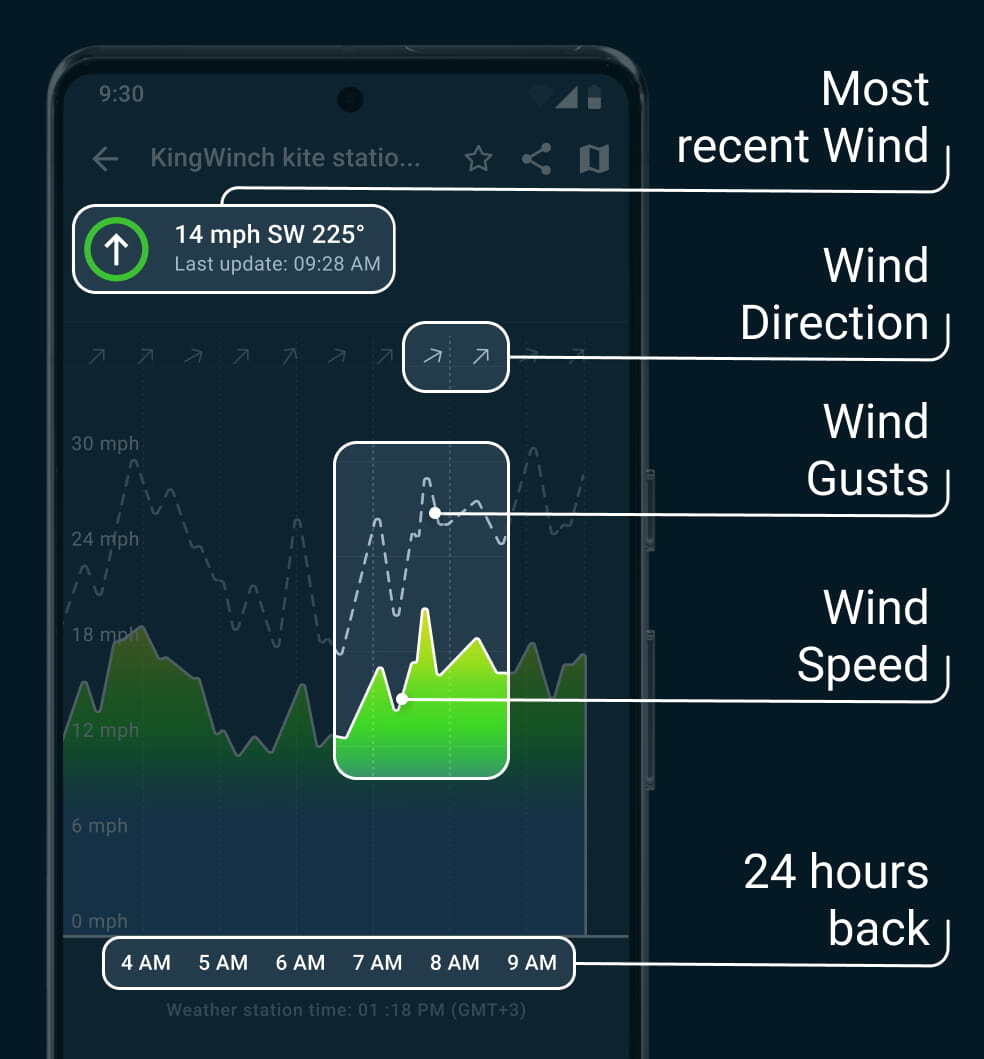
Start checking weather stations!
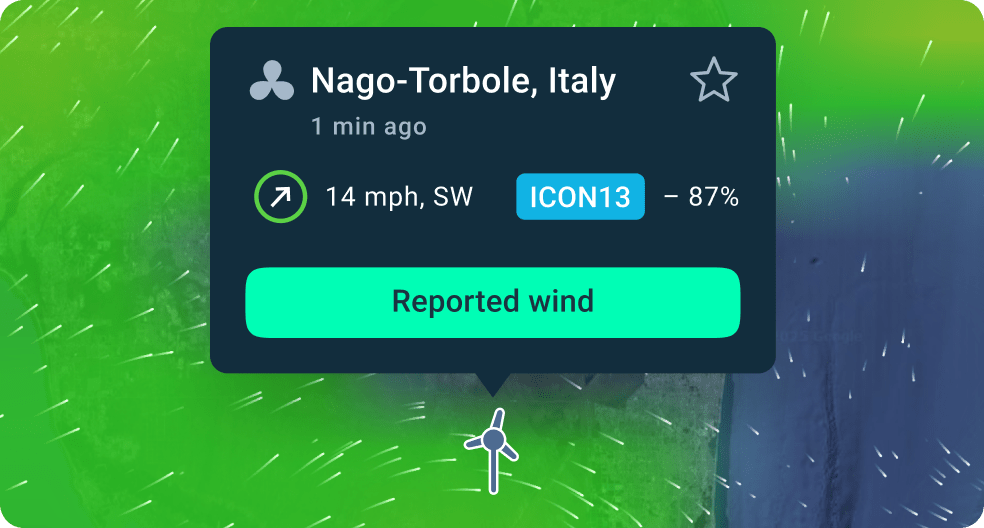
Forecasts aren’t always correct.
But weather stations, if placed right, show actual wind in real time.
But weather stations, if placed right, show actual wind in real time.
Times to check a weather station:
- Forecasts aren’t working or seem off.
- You’re unsure about the weather and want to double-check, before heading out.
- You’re tracking wind at a specific spot, like a marina or airport.
- You want to see which forecast model works better.
How to start using weather stations
With the latest updates, there are now nearly 50,000 stations in the app! Check a station every time before heading out.
Here’s how to make it easy:
1. Find the ones you need — close to your spots, online, and well-placed.
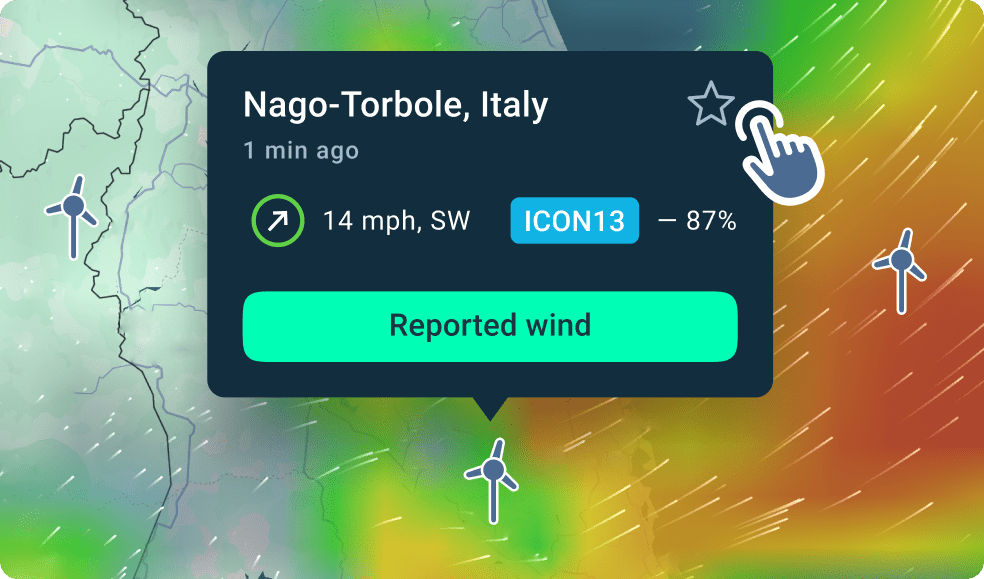
2. Add them to favorites using the

in the top right.
3. Wait for our guide — it’ll show you exactly what to look for.
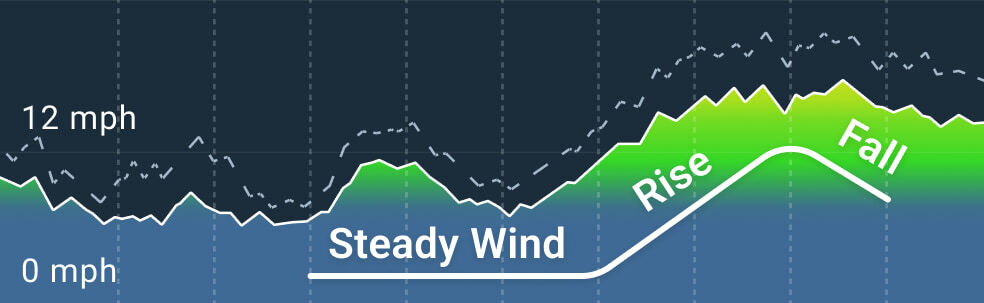
What to look for on the weather station
1. Does forecast match the weather station? If yes, trust the forecast and proceed.
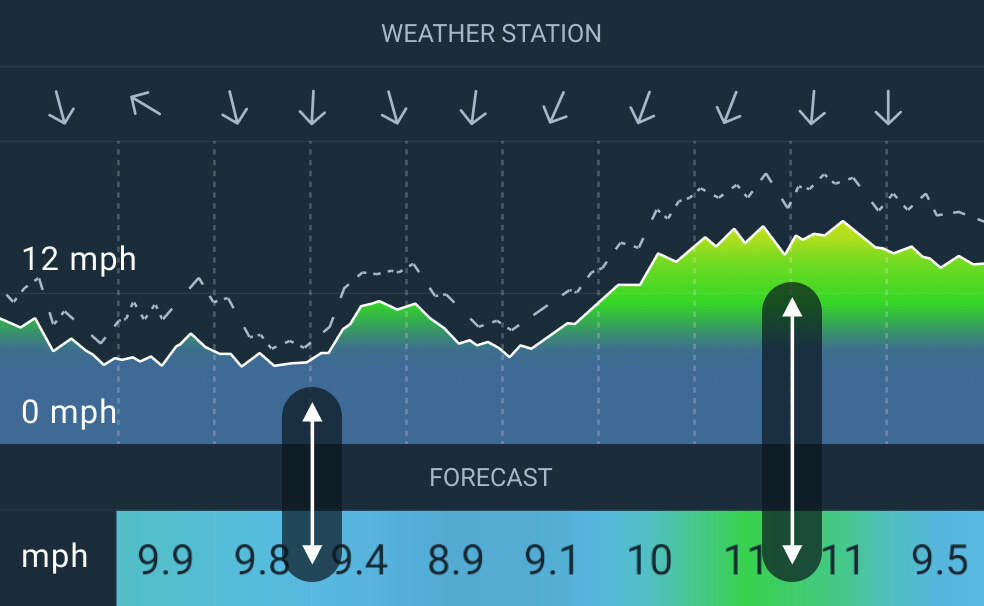
2. If no, check the trend: Is the wind getting stronger or dying down? That tells you where things might be heading.